Base64 Encode and Decode Online — Free Tool
Encode text, files, and data URIs to Base64 or decode Base64 strings back to readable text. Free, instant, works entirely in your browser.
Why Developers Need Base64 Encoding Every Day
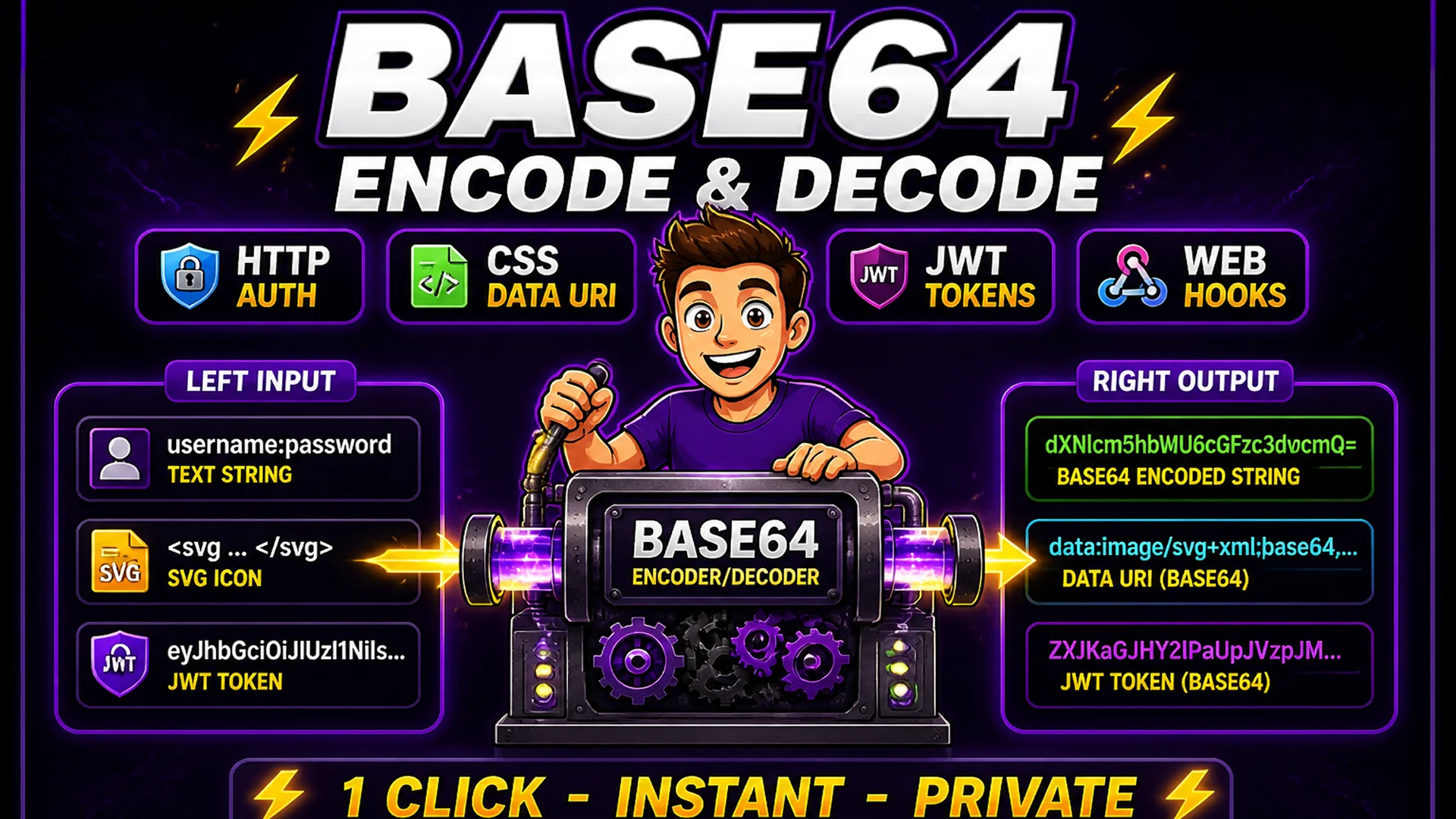
Base64 is one of those encoding schemes that appears constantly in modern development, even though many developers do not think about it explicitly. Every time you construct an HTTP Basic Authentication header, embed an image as a CSS data URI, decode a JWT token to inspect its payload, store binary data in JSON, or read a webhook signature — you are working with Base64.
The encoding converts binary data (or any byte sequence) into a string of 64 printable ASCII characters. This makes binary data safe to transmit through systems designed for text — HTTP headers, JSON fields, URL parameters, and email bodies. Decoding reverses the process, converting the ASCII string back to the original binary data.
What Is Base64 and How Does It Work?
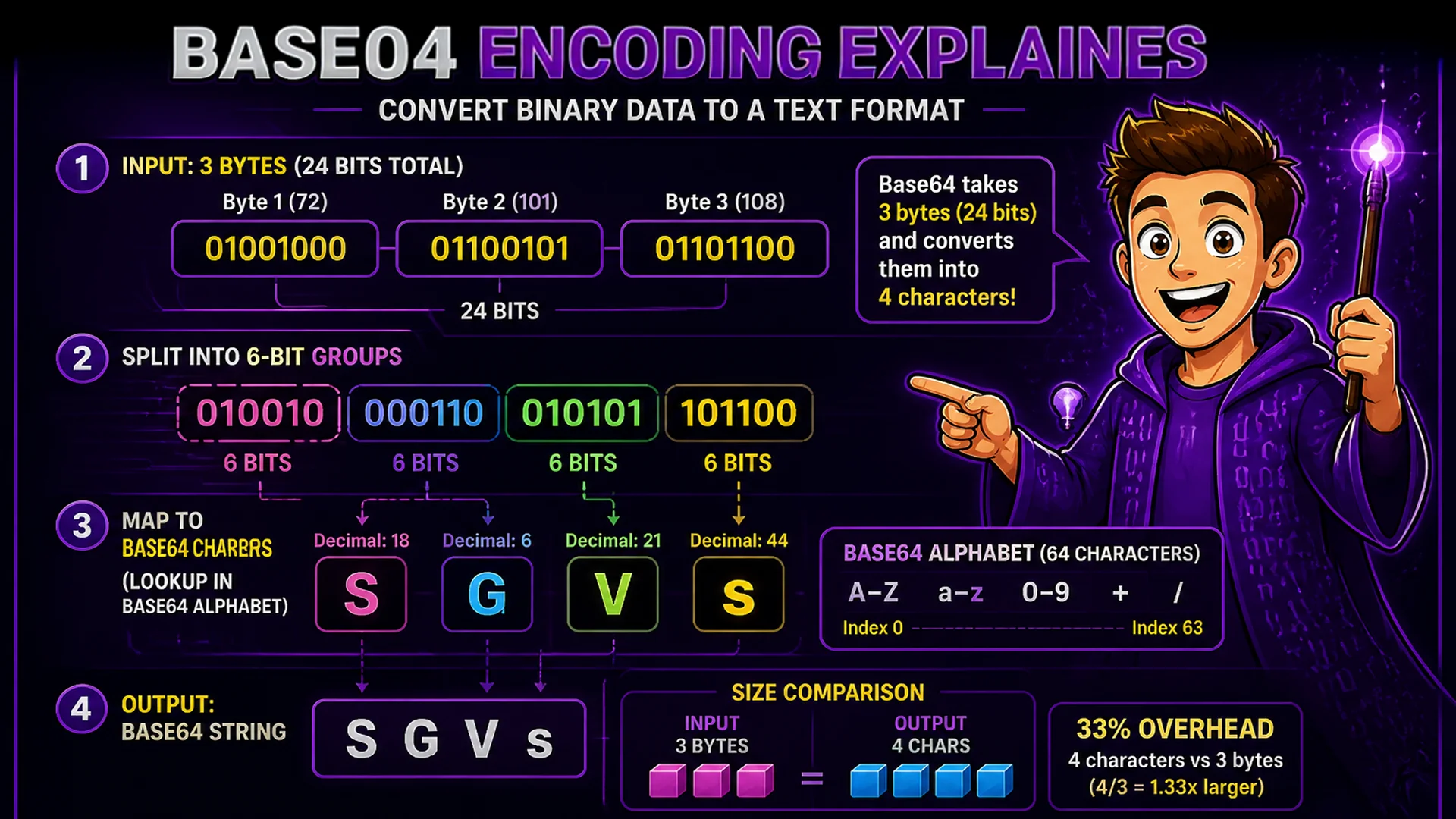
Base64 encoding works by taking 3 bytes (24 bits) of binary data at a time and converting them into 4 printable ASCII characters, each representing 6 bits. The character set used is A–Z (26 characters), a–z (26 characters), 0–9 (10 characters), and + and / (2 characters), giving 64 total characters — hence 'Base64'. The = character is used for padding when the input is not a multiple of 3 bytes.
This means Base64-encoded output is approximately 33% larger than the original input (4 output bytes for every 3 input bytes). For text input, the overhead is the same. For binary input (images, files), the encoded version is about a third larger than the original file. This size overhead is the trade-off for making binary data transmittable as text.
How to Encode and Decode Base64 on Toolsnests
Open the Base64 Encoder and Decoder — no login, no installation.
To encode: Step 1: Paste your text string or upload a small file. Step 2: Click Encode. Step 3: Copy the Base64 output string. To decode: Step 1: Paste the Base64 string into the input area. Step 2: Click Decode. Step 3: View the decoded text output or download the decoded binary file. For data URI encoding (for CSS background images or HTML img src), select the Data URI output option — the tool prepends the appropriate MIME type header automatically.
Common Developer Use Cases
HTTP Basic Authentication: the Authorization header requires 'username:password' encoded as Base64. Encode your credentials, prefix with 'Basic ', and use in the header — no library needed. Inline images in CSS or HTML: encode a small SVG or PNG as Base64 to use as a data URI, eliminating an HTTP request for small decorative assets. JWT inspection: JWT tokens are three Base64url-encoded sections separated by dots — decode the header and payload sections to inspect the claims without a specialized JWT debugger.
Webhook signature verification: HMAC signatures in webhooks are often Base64-encoded — decode them to compare against your computed signature. API key inspection: API keys from some providers are Base64-encoded configuration strings — decode them to read the embedded credentials or endpoint information.

Privacy: Encoding Happens Locally
Credentials, API keys, authentication tokens, and private data strings are common Base64 encoding inputs. Uploading these to an external encoder is a genuine security risk — the service sees your plaintext credentials before encoding them.
The Toolsnests Base64 Encoder runs entirely in your browser using JavaScript's built-in btoa() and atob() functions for text encoding and the FileReader API for file encoding. Nothing you encode or decode is transmitted to any server. Close the browser tab and the data is completely gone.
Related Developer Tools
URL Encoder — percent-encode URLs and query parameters for safe HTTP transmission. JSON Formatter — format and validate JSON from API responses and configuration files. Find and Replace — batch transform text with regex support for pre/post-encoding cleanup.
Final Thoughts
Base64 encoding and decoding are fundamental developer operations that come up daily across API integration, authentication, file handling, and data transport tasks. Having a fast, private, zero-setup tool for both directions is one of those small workflow improvements that adds up significantly over a month of development work.
Open the Base64 Encoder and Decoder and encode or decode your next string in seconds — no CLI, no library, no account.