Developer Tools That Save You Hours Every Week
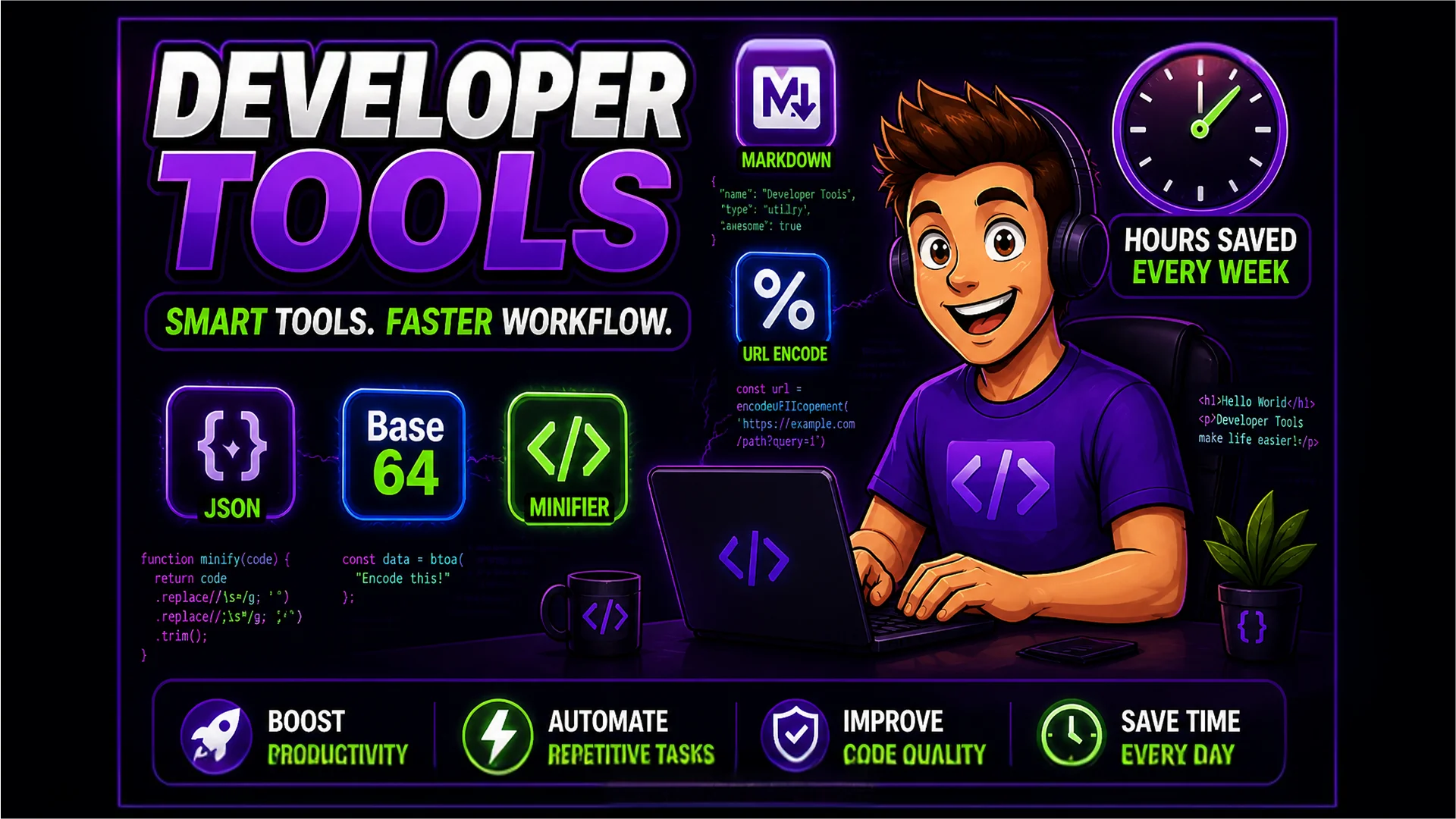
JSON formatters, Base64 encoders, CSS minifiers, and more. These developer tools eliminate repetitive tasks from your workflow.
The Developer's Repetitive Task Problem
Every developer has a set of small, repetitive tasks that fragment their focus. Formatting a JSON response to read it. Encoding a string to Base64 for an Authorization header. Minifying CSS before a deployment commit. Decoding a URL parameter to debug an API call. Individually, each task takes only a minute or two. Across a typical working week, these micro-interruptions add up to hours of lost productivity.
The traditional workarounds — installing CLI tools, bookmarking different sites for each task, writing one-off scripts — all have overhead. Toolsnests provides a unified collection of browser-based developer tools that handle these tasks instantly, with no installation, no configuration, and no context switching.
JSON Formatter and Validator
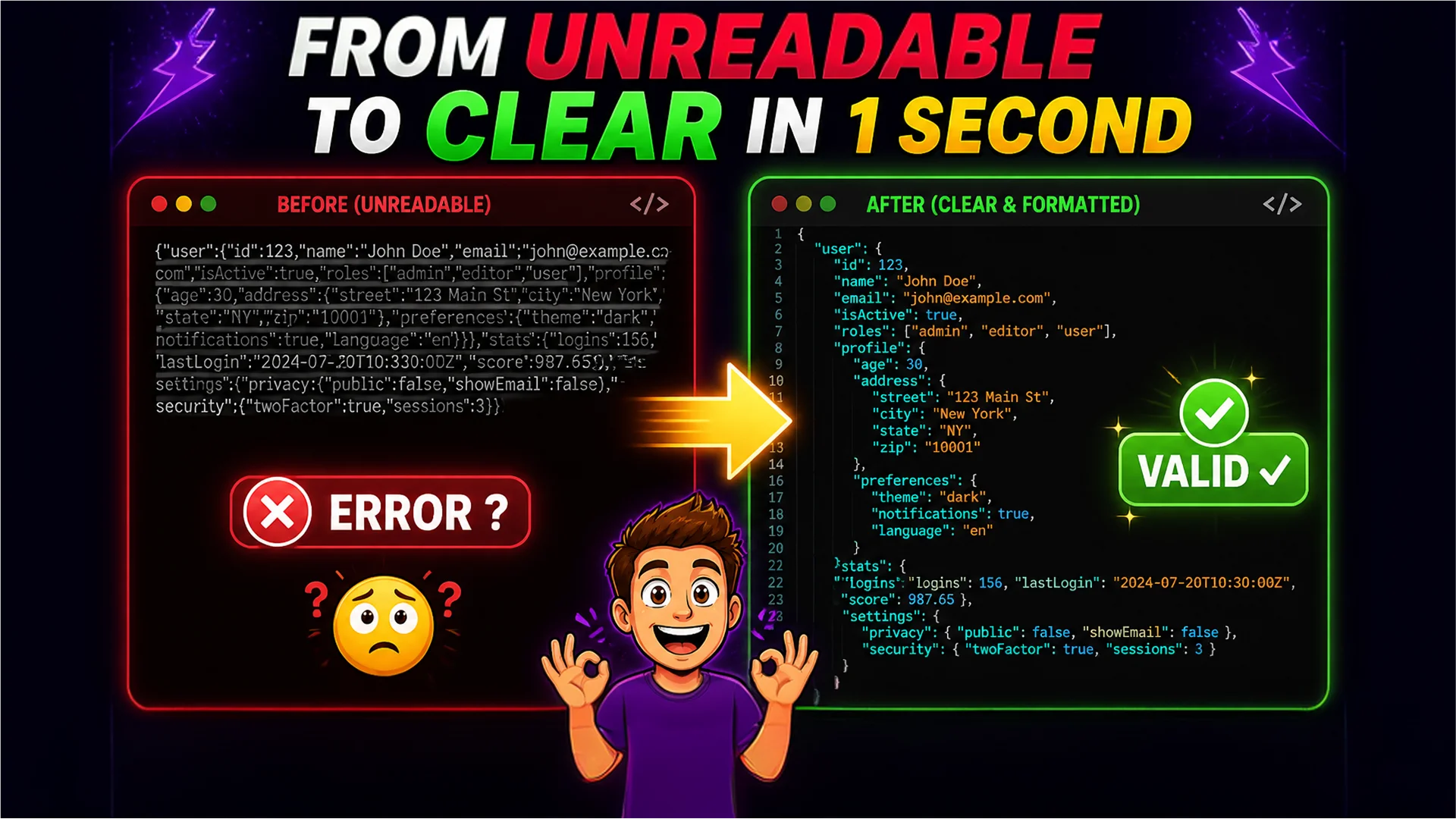
The JSON Formatter is the most-used developer tool on Toolsnests. Paste any raw JSON — from an API response, a config file, or a database export — and get it instantly formatted with proper indentation, syntax highlighting, and collapsible nested sections. The JSON Validator goes further by pinpointing the exact line and column of any syntax error: missing comma, unclosed bracket, invalid escape sequence.
Practical scenario: you are debugging an API integration and the response is a single line of minified JSON with 300 fields. Instead of hunting through it in your terminal or browser DevTools, paste it into the JSON Formatter and navigate the tree structure in seconds. The Validator tells you immediately if any field is malformed, saving you the guesswork of reading raw compressed output.
Base64 Encoder and Decoder
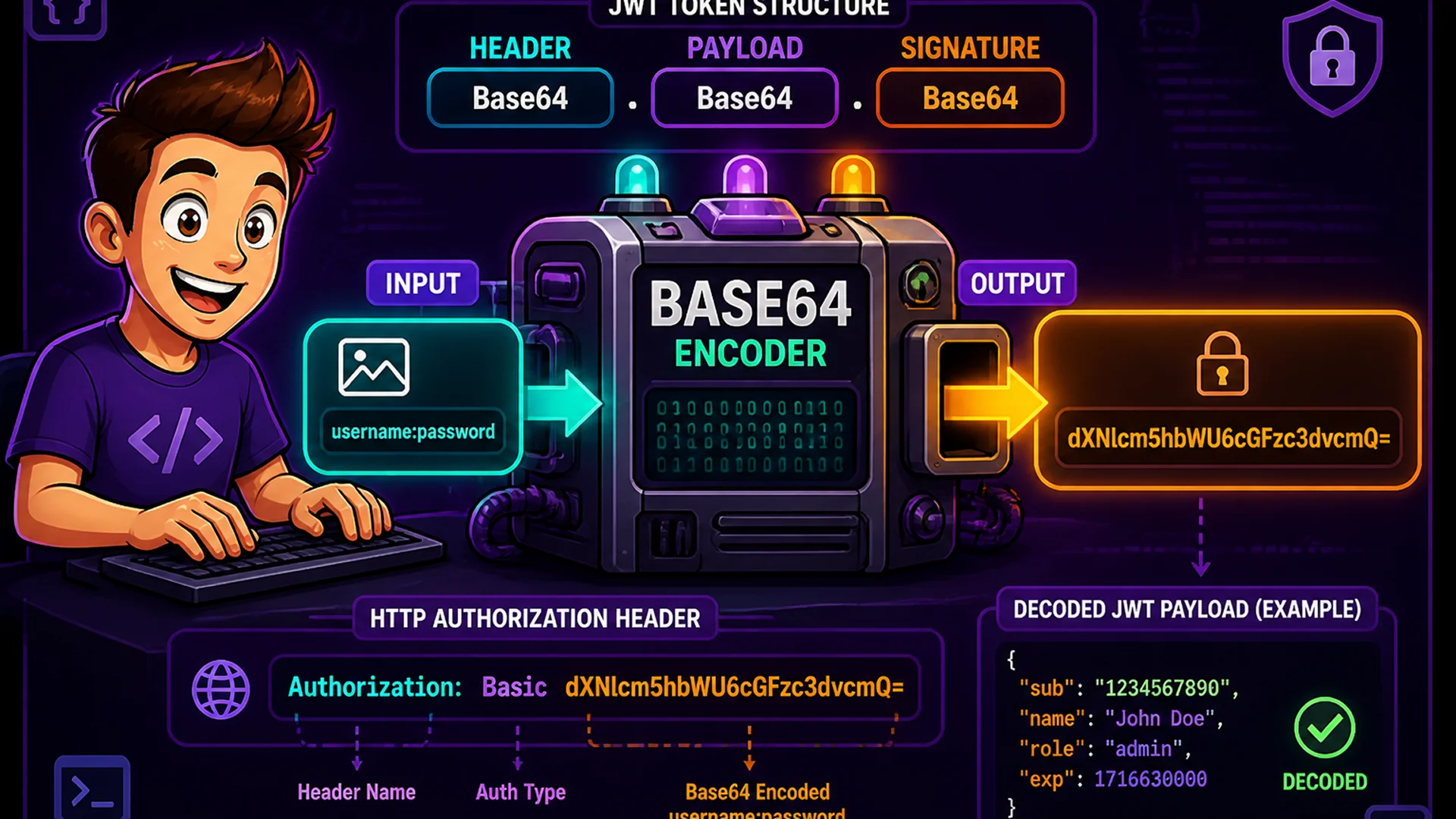
Base64 encoding appears in dozens of daily developer tasks: constructing Basic Auth headers, encoding images as data URIs in CSS, decoding JWT token payloads, and preparing binary data for JSON transport. The Base64 Encoder and Decoder handles both encoding and decoding with a single click, supporting text strings, pasted file content, and direct file upload for data URI generation.
Practical scenario: you need to embed a small SVG icon as a CSS background-image data URI to eliminate an HTTP request. Upload the SVG, click Encode, copy the data URI — done in under 10 seconds without touching a command line or installing a Node.js package.
URL Encoder and Decoder
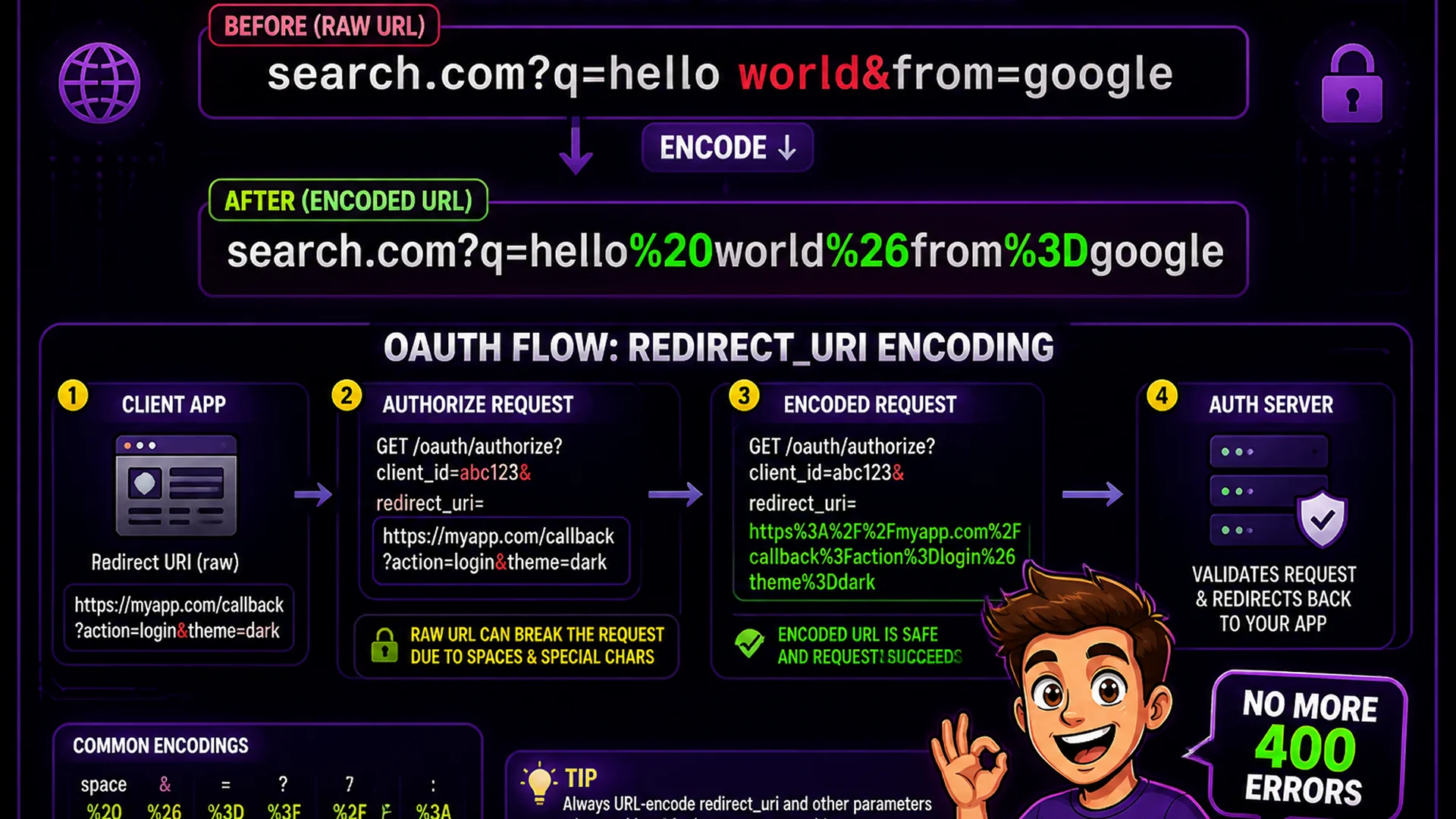
Special characters in URLs are a constant source of developer bugs. Spaces, ampersands, plus signs, and hash characters all have reserved meanings in query strings and URL paths. The URL Encoder and Decoder handles all percent-encoding and decoding, supporting both complete URLs and individual parameter values.
Practical scenario: you are constructing a redirect URI that contains another URL as a query parameter value. The inner URL must be fully percent-encoded so the outer URL parser treats it as a single parameter. Paste the inner URL, encode it, paste into your query string — no character-by-character manual substitution required.
CSS, JavaScript, and HTML Minifiers
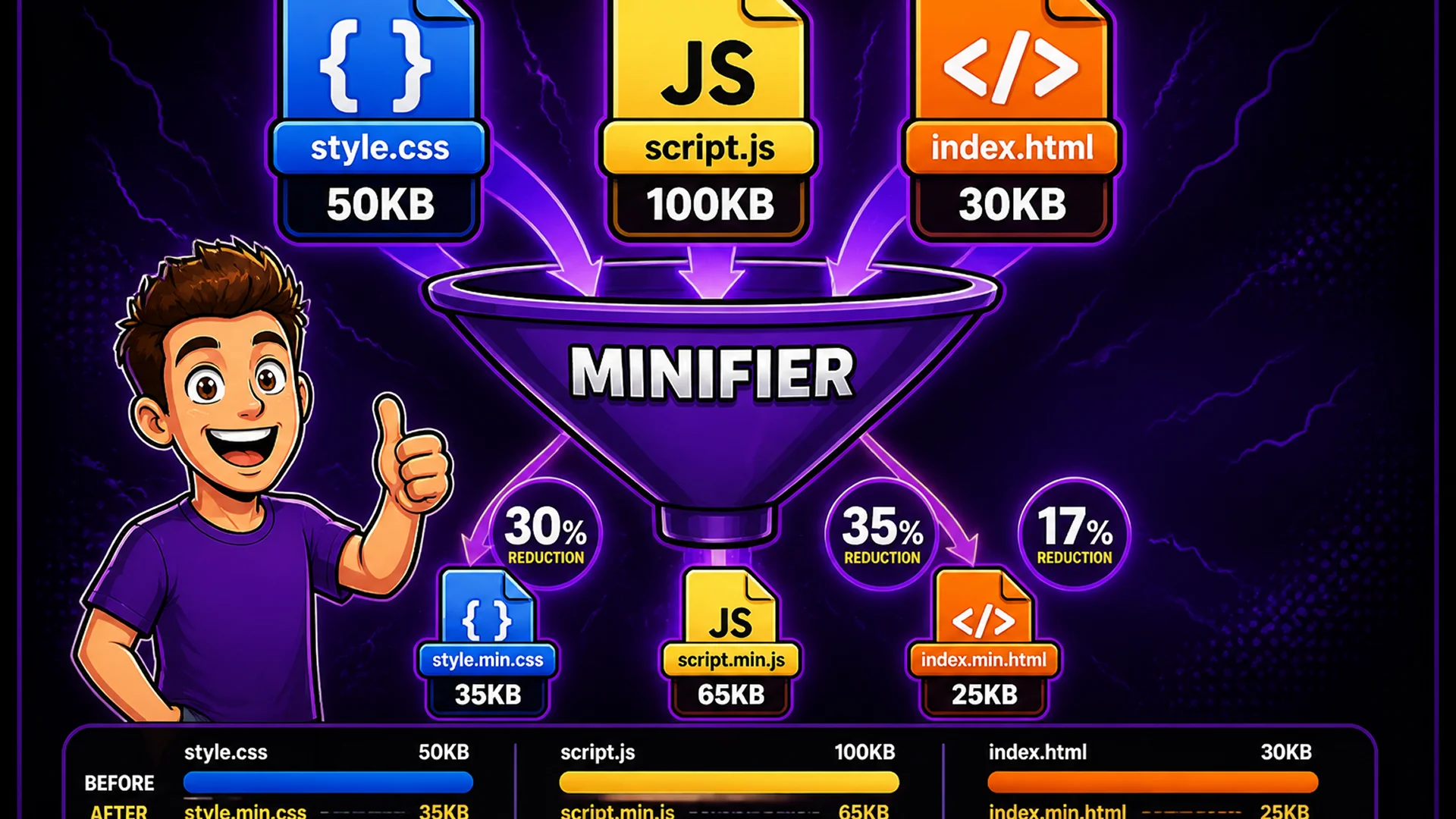
Toolsnests includes dedicated minifiers for CSS, JavaScript, and HTML. Each tool removes whitespace, comments, and redundant characters, and shows before-and-after file size comparisons so you can see exactly how much was saved.
The CSS minifier merges shorthand properties and eliminates vendor-prefix redundancy. The JS minifier applies identifier renaming and dead-code removal patterns. The HTML minifier collapses inter-tag whitespace and removes optional closing tags where valid per the spec. Together, these tools can reduce a website's static asset payload by 20–40%. Practical scenario: you are deploying a landing page without a bundler setup and need to minify three CSS files and two JS files manually. Paste each one, copy the output — two minutes instead of setting up webpack.
Markdown Editor with Live Preview
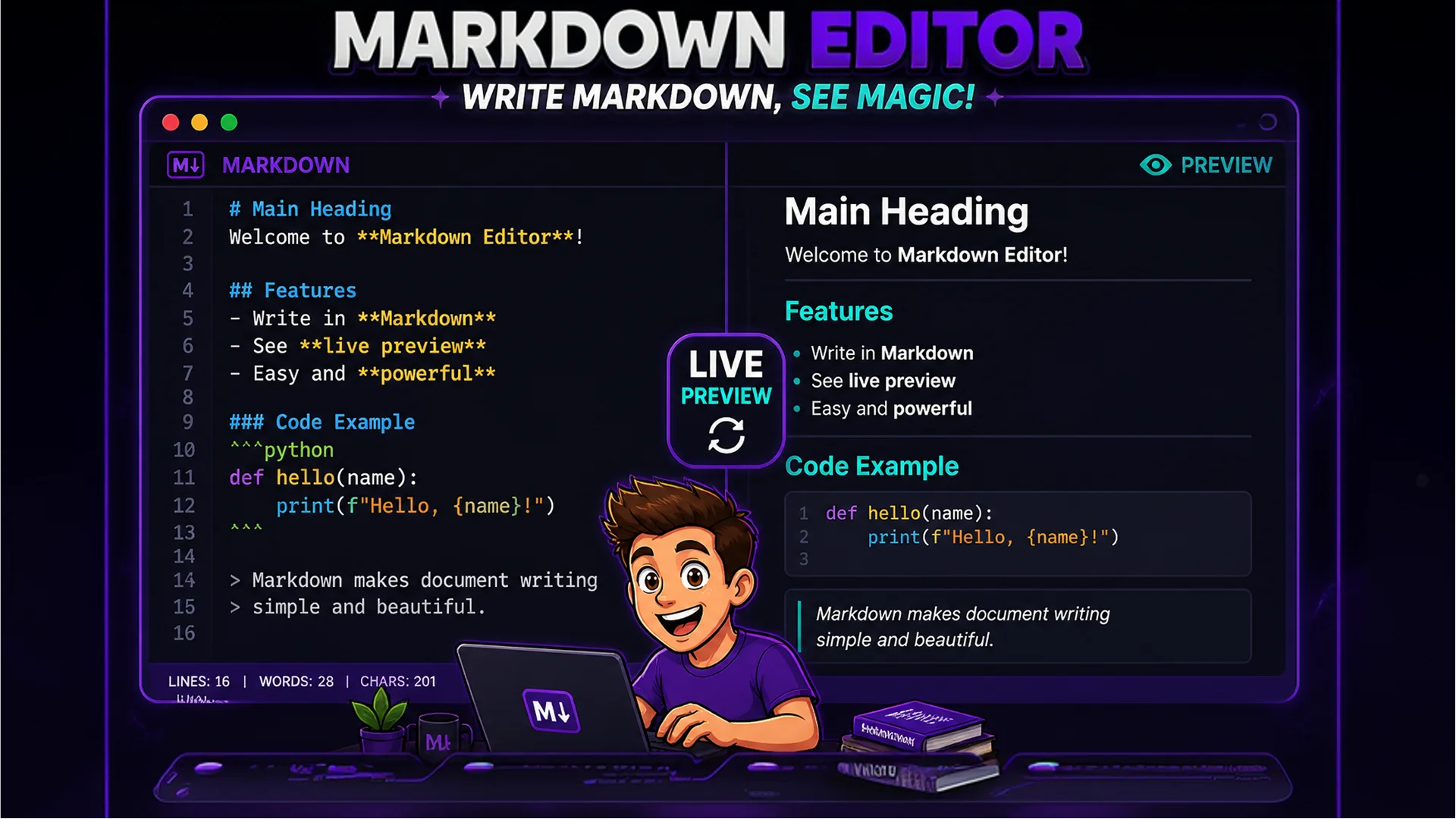
The Markdown Editor provides a side-by-side interface with Markdown input on the left and live HTML rendering on the right. It supports CommonMark and GitHub Flavored Markdown extensions: tables, task lists, fenced code blocks with syntax highlighting, and strikethrough text.
Use it for drafting README files, API documentation pages, changelogs, and internal wiki entries without spinning up a local development server or installing a dedicated desktop app. Write on the left, see the fully rendered result on the right, download the .md file when done. The live preview updates on every keystroke.
Five Real Developer Scenarios
Here are five specific workflows where these tools recover meaningful time: First, debugging a failing API — paste the response body into JSON Validator to find the syntax error in seconds. Second, preparing a deployment — use CSS and JS minifiers to reduce asset sizes before the git commit. Third, writing internal documentation — draft and preview in Markdown Editor without a local server. Fourth, implementing OAuth — use URL Encoder to safely encode redirect URIs. Fifth, testing HTTP Basic Authentication — use Base64 Encoder to encode 'username:password' and paste the result directly into the Authorization header.
Each of these is a 30-second browser operation. Without the right tool, each one requires finding the right npm package, checking the API docs, or writing a throwaway script — adding several minutes of friction that breaks concentration and extends task time.
Related Developer Tools
JSON Formatter — format and beautify raw JSON from APIs and config files. Base64 Encoder — encode and decode text, files, and data URIs. URL Encoder — percent-encode and decode URLs and query parameters. CSS Minifier — strip whitespace and comments from stylesheets. Markdown Editor — write and preview Markdown with live rendering.
Final Thoughts
The best developer tools get out of your way. Toolsnests developer tools are designed to be open-and-paste: no registration, no configuration, no waiting. Bookmark the tools you reach for most frequently, and you will recover hours every week that were previously lost to context-switching and repetitive boilerplate tasks.
Start with the JSON Formatter the next time you receive an unreadable API response — you will immediately see why browser-based developer tools belong in every developer's daily toolkit.