File Checksum Generator — Verify File Integrity Online
Generate MD5, SHA-1, SHA-256, and SHA-512 checksums for any file online. Verify download integrity and detect tampering. Free, private, works in your browser.
Verify File Integrity Before You Open or Install Anything
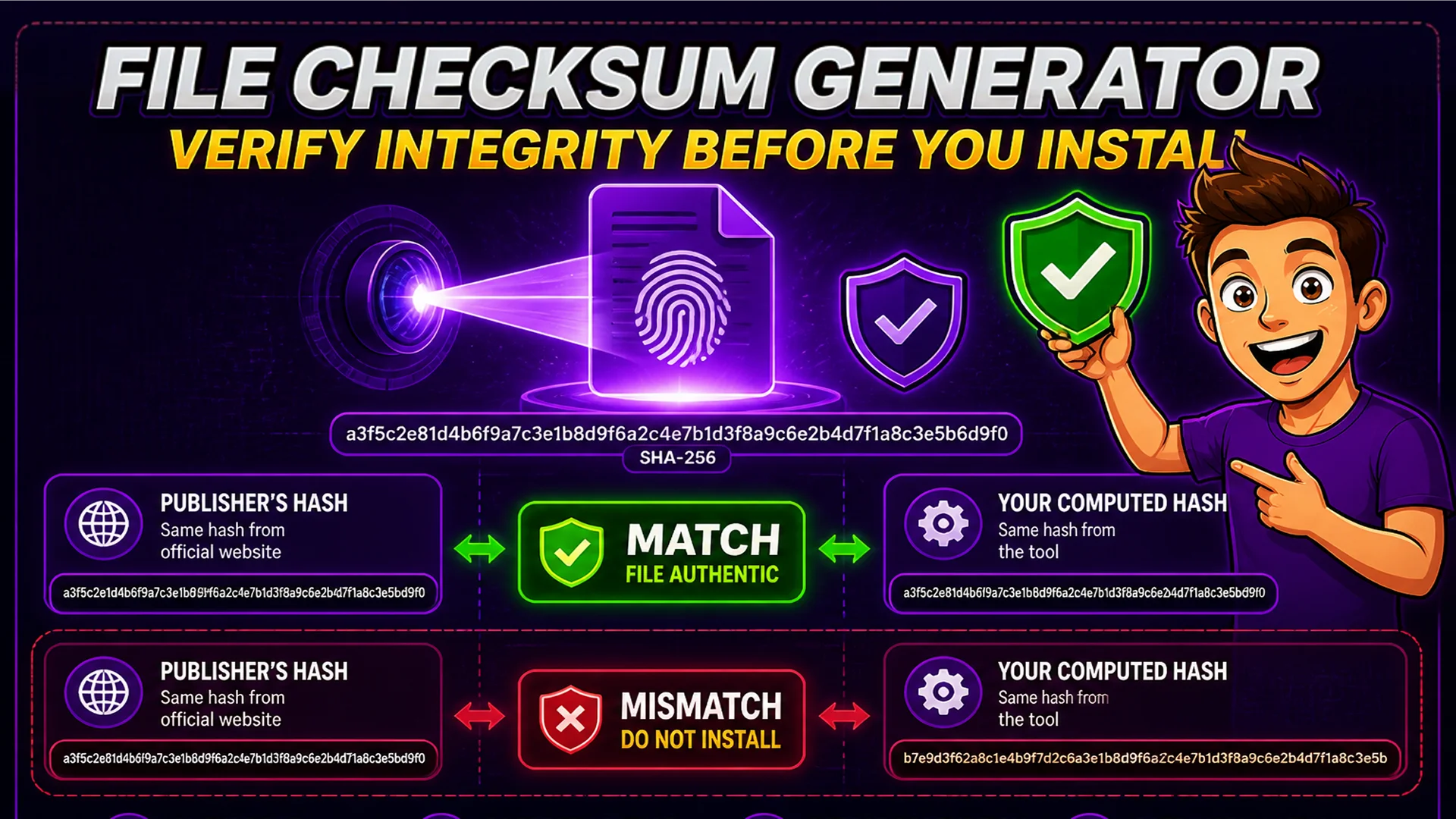
When you download software, operating system images, firmware updates, or any file from the internet, you are trusting that the file you received is identical to the file the publisher intended to distribute. Network errors can silently corrupt a download. A compromised mirror can serve a modified file. A man-in-the-middle attack can replace a legitimate download with malware.
A cryptographic checksum is a fingerprint of a file. The publisher computes and publishes the checksum of the original file. You download the file, compute its checksum, and compare: if they match, the file is authentic. If they differ by even a single byte, the checksums are completely different, immediately signaling a problem.
What Are MD5, SHA-1, SHA-256, and SHA-512?
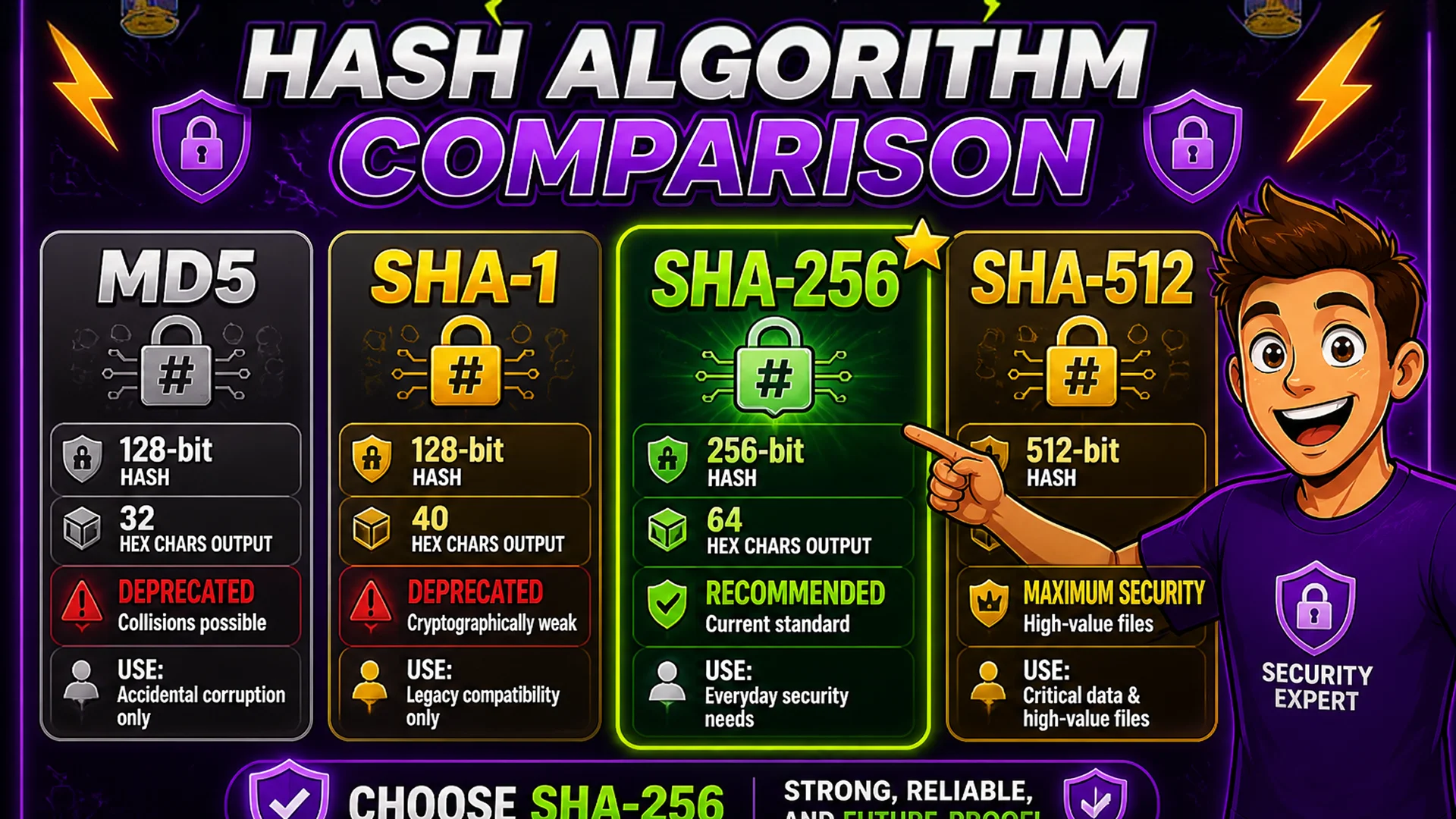
MD5 (Message Digest 5): produces a 128-bit (32 hexadecimal character) hash. Widely used historically but now considered cryptographically broken for security applications — MD5 collisions can be computed. Still useful for detecting accidental file corruption but should not be used to verify authenticity against active attacks.
SHA-1 (Secure Hash Algorithm 1): produces a 160-bit (40 hexadecimal character) hash. Also considered cryptographically weak and deprecated for security use. SHA-256: produces a 256-bit (64 hexadecimal character) hash. Part of the SHA-2 family, cryptographically strong, currently the standard for file integrity verification in software distribution. SHA-512: produces a 512-bit (128 hexadecimal character) hash. Also SHA-2, offering larger hash size for maximum security requirements.
How to Generate and Verify a Checksum on Toolsnests
Open the File Checksum Generator — no login, no installation.
Step 1: Drag and drop your file onto the upload area (the file stays on your device — it is not uploaded anywhere). Step 2: Select the hash algorithm — SHA-256 is recommended for most integrity verification needs. Step 3: The checksum is computed instantly and displayed. Step 4: Compare the displayed checksum against the checksum published by the file's source. If they match character-for-character, the file is intact and authentic. You can process multiple files at once — drop all files and get checksums for each simultaneously.
When You Need to Check Checksums
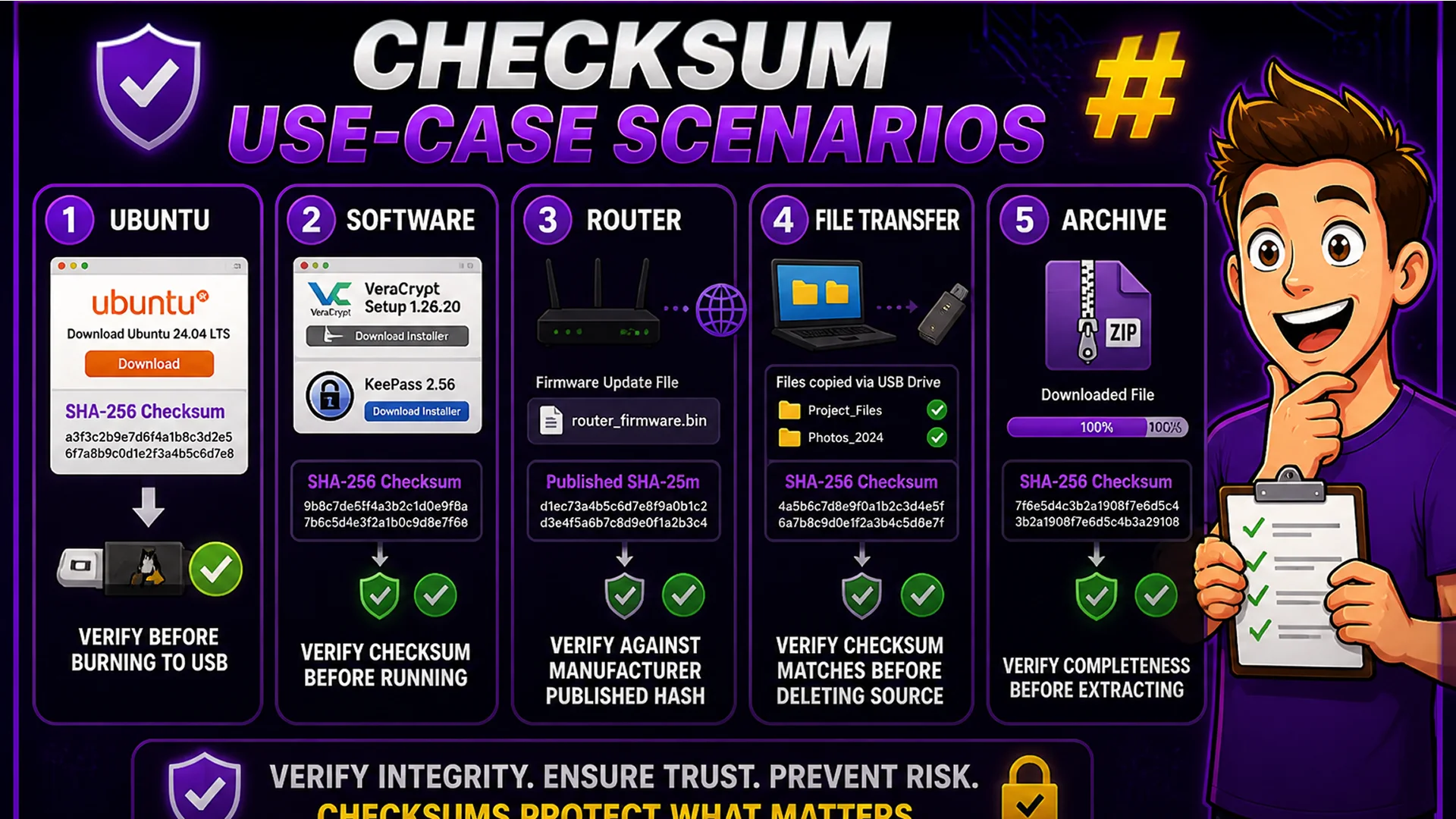
OS and Linux distribution downloads: every major Linux distribution (Ubuntu, Debian, Fedora, Arch) publishes SHA-256 checksums for their ISO images. Verify before burning to USB or installing. Software installers: security-conscious software publishers like Tor Browser, VeraCrypt, and KeePass publish checksums for every release. Compare before installing. Firmware updates: router and device firmware that does not match the published checksum should not be installed — a mismatching checksum indicates a corrupted or counterfeit update.
File transfers: verify that a file transferred over a network, USB drive, or email arrived without corruption by comparing checksums at both ends. Archive verification: verify that a ZIP or archive file is complete and uncorrupted before spending time extracting it.
Privacy: Files Never Leave Your Browser
The File Checksum Generator uses the Web Crypto API (specifically crypto.subtle.digest()), which is a native browser implementation of cryptographic hash functions. The entire hashing operation happens locally on your device — no file data is transmitted to any server. This is particularly important because the files you are verifying may be sensitive, large, or contain proprietary content.
Processing is entirely local and very fast — the Web Crypto API's native implementation processes large files at speeds comparable to command-line tools like sha256sum.
Related Security and File Tools
ZIP Extractor — extract archives after verifying their checksums. PDF Merge — combine verified documents into a single file. Bulk File Renamer — organize verified files with consistent naming before archiving.
Final Thoughts
File checksum verification is one of the simplest and most effective security practices available. It takes under 30 seconds and can detect file corruption or tampering before you install, open, or distribute a file. For software downloads in particular, it is the last line of defense against supply chain attacks on compromised mirrors.
Verify your next download with the File Checksum Generator — drop the file and get the SHA-256 hash in seconds.