Format and Validate JSON Online — Free & Instant
Learn how to format, beautify, and validate JSON online for free. Fix syntax errors instantly and make any JSON readable in seconds.
Why Unformatted JSON Is a Developer's Worst Debugging Enemy
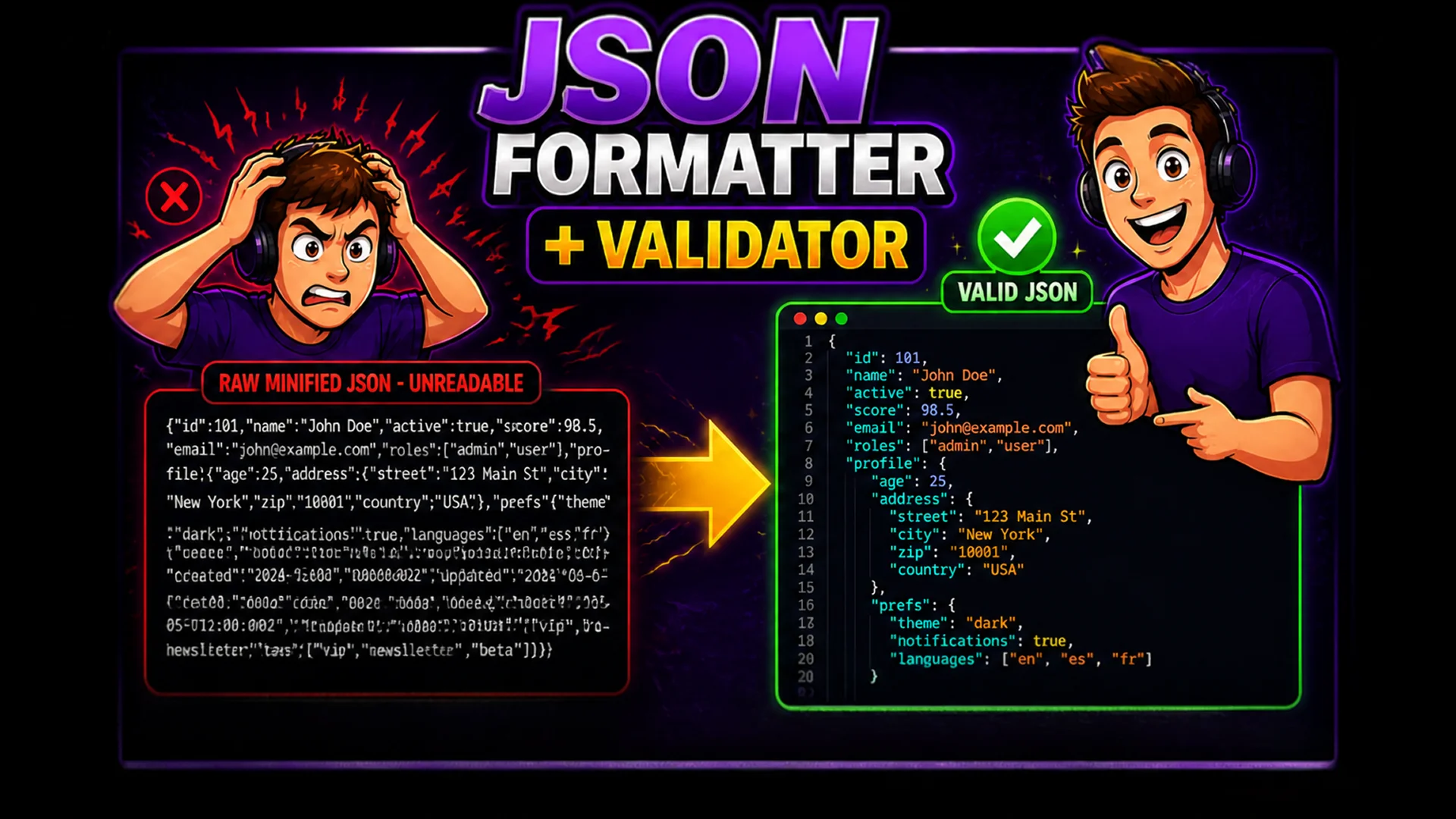
When an API returns a minified JSON response — a single line with no whitespace, no indentation, and hundreds of nested keys — reading it is nearly impossible. Finding a missing comma, identifying the wrong data type, or tracing a nested object path through raw minified JSON is the kind of task that turns a 5-minute debugging session into a 45-minute ordeal.
JSON formatting is one of the most frequent tasks in modern development. REST APIs, GraphQL responses, configuration files, webhook payloads, and database exports all use JSON as their primary data format. Having an instant, reliable formatter and validator is not a luxury — it is a fundamental part of every developer's workflow.
What Is a JSON Formatter and Validator?
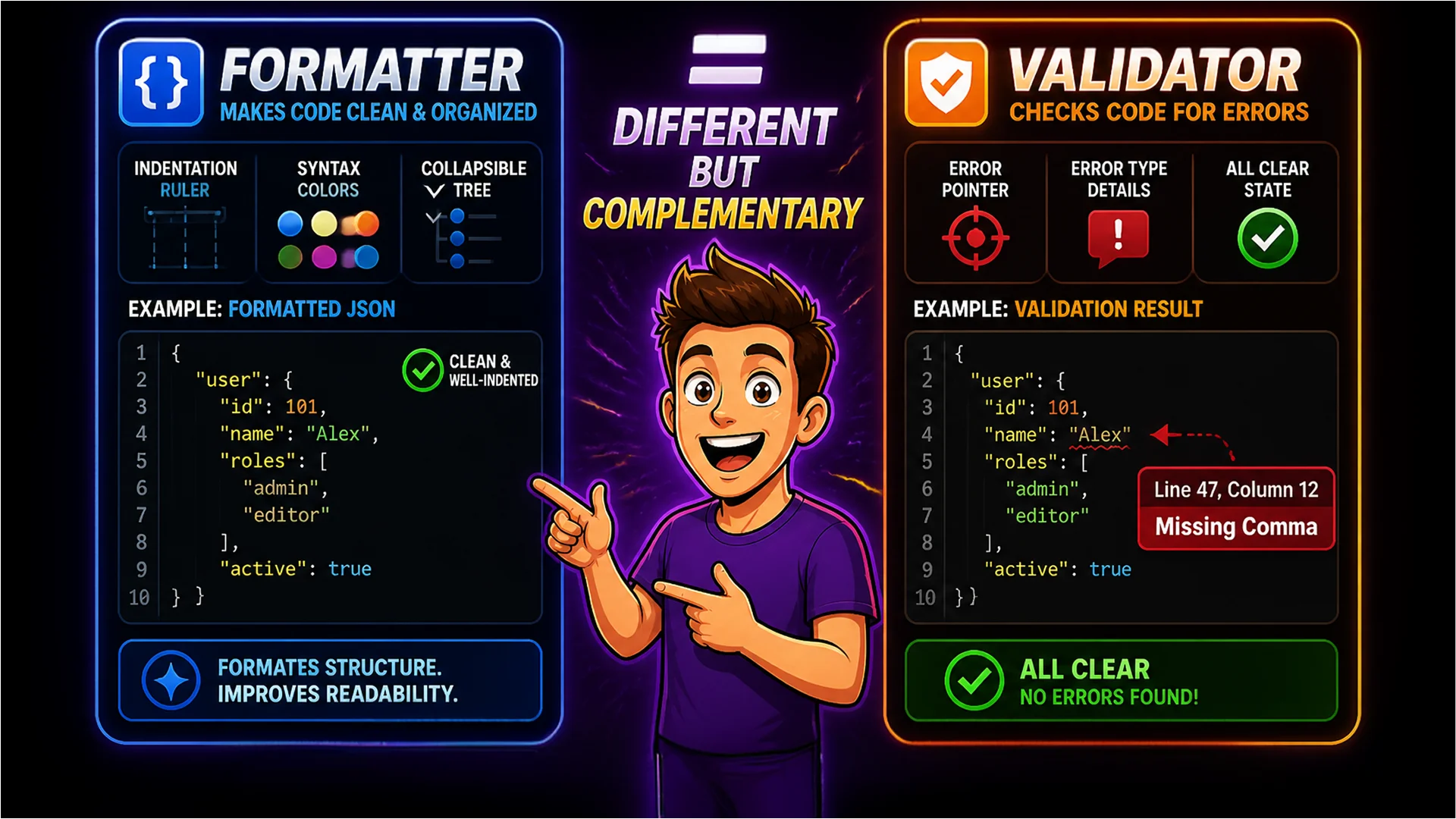
A JSON formatter takes raw, unformatted or minified JSON and outputs it with consistent indentation, line breaks, and syntax highlighting — making the structure immediately readable. A JSON validator parses the JSON against the specification and reports any syntax errors with precise location information: the line number, the column, and the nature of the problem.
These are related but distinct functions. Formatting makes valid JSON readable. Validation tells you whether the JSON is valid in the first place — and if not, exactly where and why it fails. Together, they cover the two most common JSON-related tasks in any development workflow.
How to Format and Validate JSON on Toolsnests
Open the JSON Formatter — no login, no installation required.
Step 1: Paste your raw JSON into the input area. Step 2: The formatter instantly applies proper indentation with 2-space or 4-space tabs (your choice) and syntax highlighting for strings, numbers, booleans, null values, keys, and brackets. Step 3: Navigate the formatted output using collapsible sections — click any object or array bracket to collapse that entire subtree. Step 4: If your JSON has errors, the validator panel highlights the problem with the exact line and column number. Step 5: Copy the formatted JSON or download it as a .json file.
For validation specifically: open the JSON Validator, paste your JSON, and get a pass/fail result immediately with the error location pinpointed if validation fails.
Collapsible Tree View for Complex Data Structures
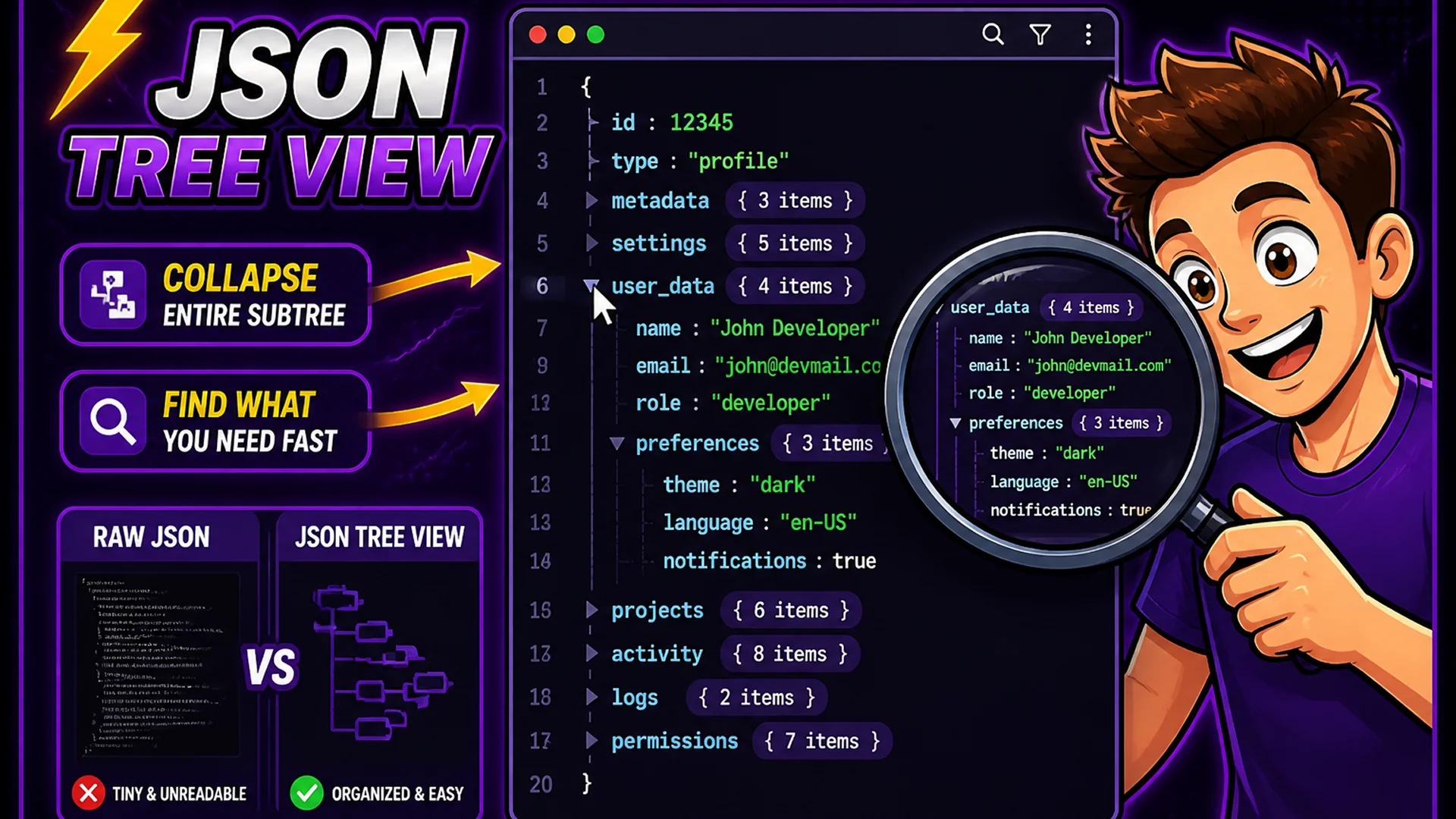
When working with deeply nested JSON — API responses with embedded arrays of objects, configuration files with multiple environment keys, or GraphQL responses with aliased fields — the flat formatted view is still difficult to navigate. The Toolsnests JSON Formatter includes a collapsible tree view that lets you expand and collapse any object or array at any nesting level.
This is especially useful for large API responses where you only care about a specific section. Collapse the top-level objects you are not interested in, find the nested key you need, and expand only that branch. This navigation capability saves significant time when exploring unfamiliar API responses or large configuration structures.
Technical Implementation: How It Works in Your Browser
The JSON Formatter uses JavaScript's native JSON.parse() function, which implements the full JSON specification (ECMA-404 and RFC 8259). This means the validation is specification-accurate — not a custom parser that might miss edge cases. After parsing, the formatter walks the resulting JavaScript object tree and rebuilds it as formatted text with configurable indentation.
Because the entire operation runs in your browser's JavaScript engine (V8 in Chrome, SpiderMonkey in Firefox), it is extremely fast — even large JSON files with thousands of nested objects format in under a second. Nothing is uploaded to any server.
Your JSON Stays 100% Private
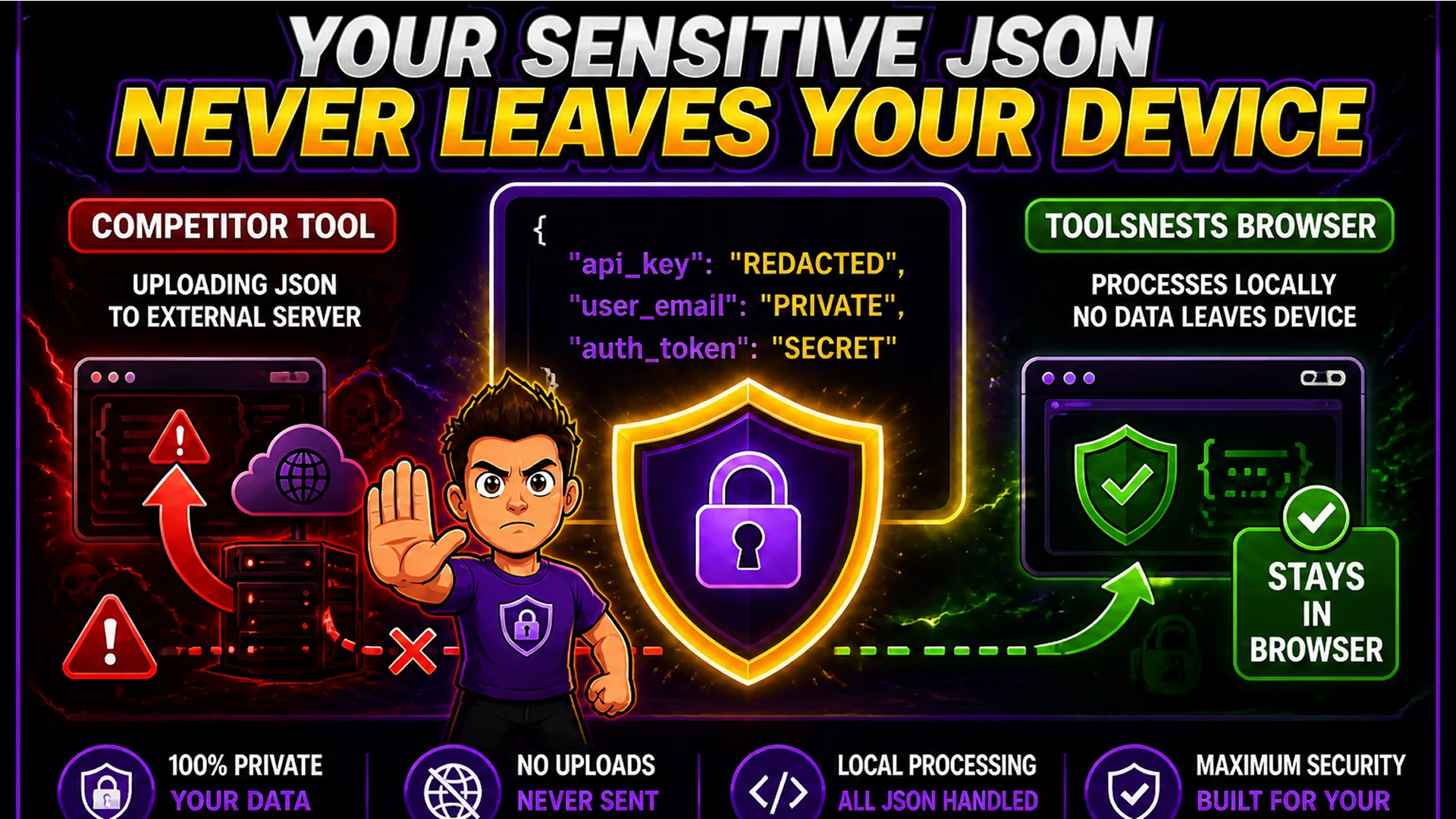
JSON data often contains sensitive information: API keys in config files, personally identifiable information in API responses, business logic in application configuration, or authentication tokens in request payloads. Uploading this data to an online formatter means it passes through an external server — a server you have no visibility into.
The Toolsnests JSON Formatter processes everything in your browser. Your JSON never leaves your device. You can verify this using your browser's Network tab — during formatting and validation, you will see zero outbound requests. Close the browser tab and the data is gone entirely.
Related Developer Tools
JSON Validator — validate JSON syntax with precise error location reporting. Base64 Encoder — encode and decode Base64 strings and data URIs. URL Encoder — percent-encode and decode URLs and query parameters. Markdown Editor — write and preview Markdown documentation with live rendering.
Final Thoughts
JSON formatting and validation are daily tasks for any developer working with APIs, microservices, configuration files, or any modern data format. Having a fast, private, zero-setup tool for both is one of the small workflow improvements that compounds into hours of saved time every month.
Open the JSON Formatter the next time you receive an unreadable API response and see how quickly you can navigate even the most complex nested structure.