Merge PDF Files Online Free — Combine in Seconds
Merge multiple PDF files into one document online for free. Drag and drop to reorder pages, no upload to servers, 100% private.
Combine Multiple PDFs Without Installing Anything
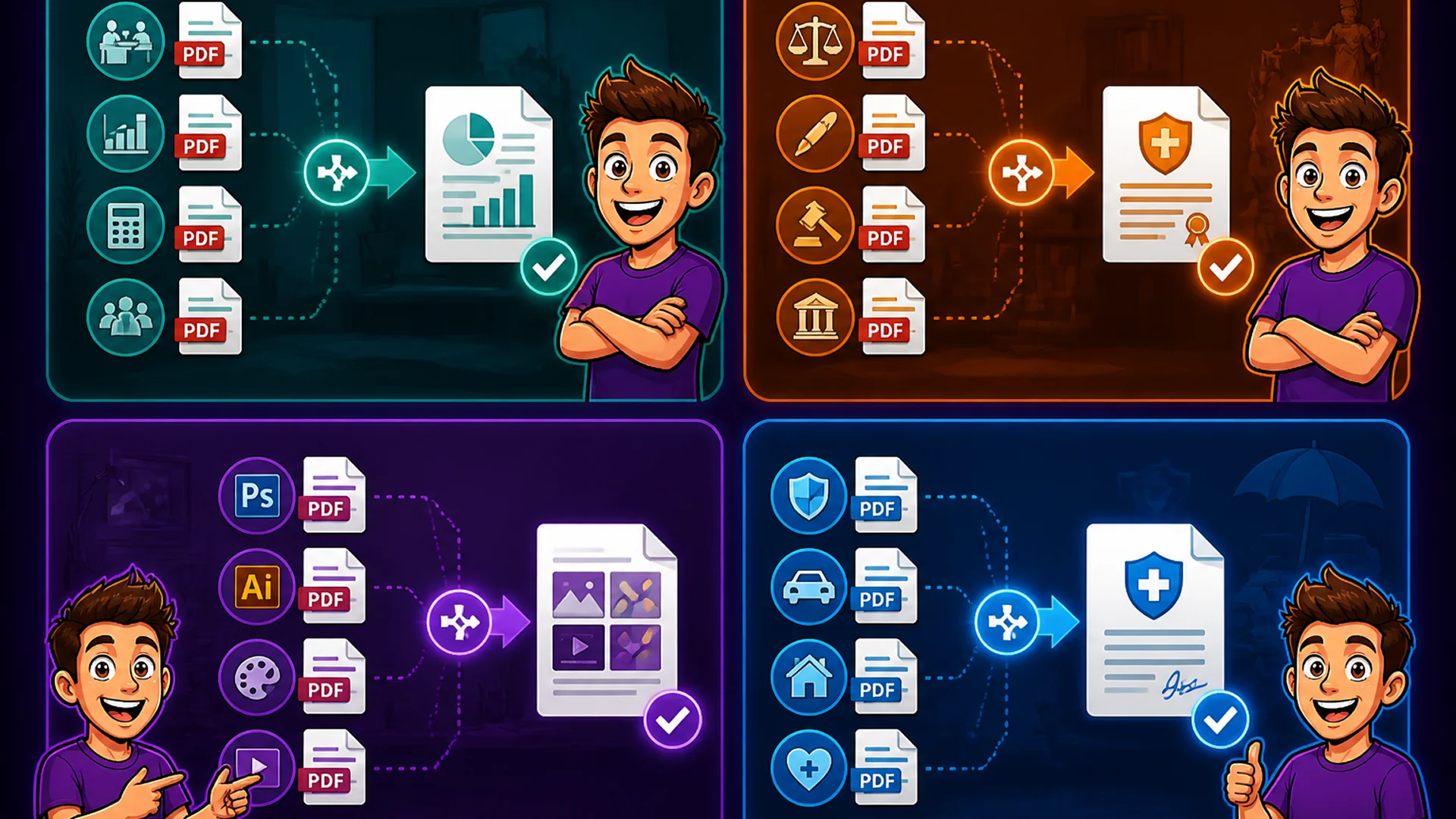
Merging PDF files is one of the most common document tasks in any professional environment. Monthly reports assembled from department submissions. Contract packages combining multiple agreements. Portfolio documents gathered from individual project PDFs. Insurance claims consolidating policy documents and receipts. In every case, the task is the same: take multiple PDFs and produce one.
Traditionally this required Adobe Acrobat Pro, which costs over $180 per year. Free alternatives typically upload your files to a remote server, creating privacy risks for confidential documents. The Toolsnests PDF Merge tool combines PDFs entirely in your browser — your files never leave your device, the tool is completely free, and there is no account to create.
What Is PDF Merging?
PDF merging is the process of combining two or more separate PDF files into a single document, preserving all content from each source file. A merge operation concatenates the pages from each input file in the order you specify, producing a single output PDF that contains all pages from all source files.
The output preserves embedded text, images, hyperlinks, bookmarks, form fields (as flattened content), and digital signatures from each source PDF. Merging is non-destructive — the source files are not modified, and you can merge the same files in different orders to produce different output documents.
How to Merge PDFs on Toolsnests
Open the PDF Merge tool — no login, no installation required.
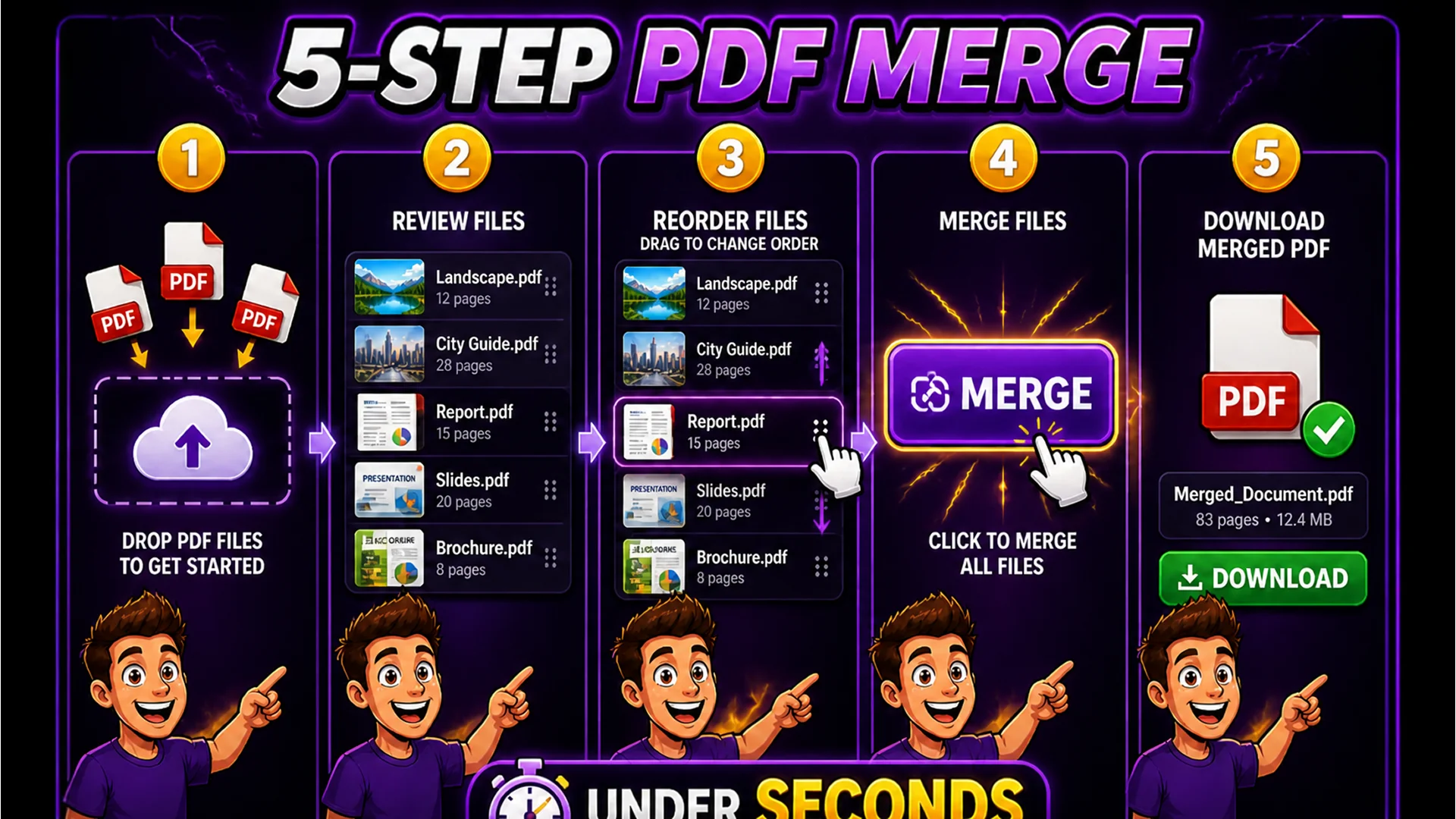
Step 1: Drag and drop your PDF files onto the upload area, or click to browse and select multiple files at once. Step 2: Your files appear as a list with thumbnail previews. Step 3: Drag and drop the files within the list to reorder them — the order you set is the order pages appear in the merged output. Step 4: Click Merge. Step 5: Download the merged PDF with a single click.
The entire operation — from upload to download — typically takes under 60 seconds regardless of the number of PDFs or their total page count.
Merge Dozens of PDFs at Once
There is no practical limit to the number of PDFs you can merge in a single Toolsnests operation. Users regularly merge 20, 30, or even 50 PDFs at once for large report compilations, legal discovery packages, or comprehensive portfolio documents.
The drag-and-drop reordering interface makes it practical to arrange large numbers of files. Add all your PDFs at once, then drag them into the correct sequence. For files with meaningful names, the sorted list makes sequencing straightforward. The merge operation processes all files locally using the pdf-lib JavaScript library, which handles complex multi-page PDFs without any server involvement.
Your Documents Stay Completely Private
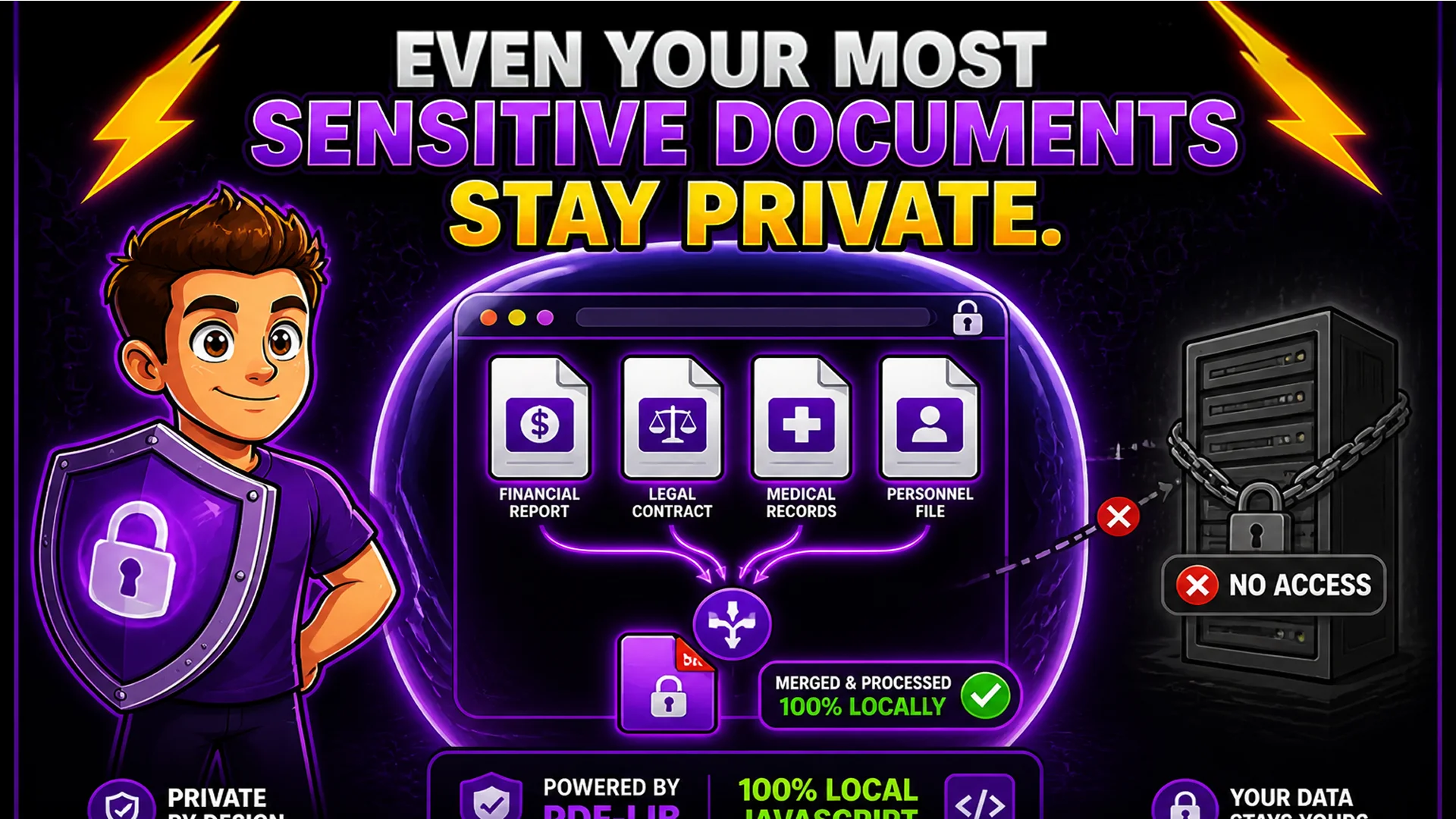
PDF documents frequently contain confidential information: financial data, legal agreements, medical records, personnel files, or intellectual property. Uploading these to an online merger service means they pass through an external server — one you cannot audit for security practices, data retention policies, or third-party access.
Toolsnests PDF Merge uses pdf-lib, a pure JavaScript PDF library that runs entirely in your browser. When you click Merge, the merging operation happens on your device's CPU. No data is transmitted to any server. You can verify this with your browser's Network tab — during merging, you will see zero upload requests.
Related PDF and File Tools
PDF Split — extract pages or page ranges from a PDF as separate files. PDF Compressor — reduce PDF file size after merging for email or portal uploads. File Checksum Generator — verify the integrity of the merged PDF. ZIP Extractor — extract PDFs from ZIP archives before merging.
Final Thoughts
Merging PDFs should not require a $180/year Adobe subscription or uploading confidential documents to a stranger's server. The Toolsnests PDF Merge tool handles the operation in your browser, privately, instantly, and completely free.
Open the PDF Merge tool and combine your documents in under a minute — no account, no upload, no watermarks.