Percentage Calculator — Free & Accurate
Percent of a number, what percent, percentage change and difference, adding or removing a percentage, and reversing a discount, with the formulas explained.
Every Everyday Percentage Question in One Place
The Toolsnests Percentage Calculator answers the six percentage questions people ask most: what is X% of a number, X is what percent of Y, the percentage change from A to B, the percentage difference between two numbers, adding or removing a percentage, and reversing one to find the original value. Pick the mode, type your numbers, and the answer appears with the working shown underneath.
Quick example: 15% of 200 is 30, because 15 ÷ 100 × 200 = 30.
The Six Percentage Formulas
Each mode in the calculator is a single formula. Knowing which one fits your question is most of the battle.
| Question | Formula | Example |
|---|---|---|
| What is P% of V? | (P ÷ 100) × V | 15% of 200 = 30 |
| X is what % of Y? | (X ÷ Y) × 100 | 30 of 200 = 15% |
| % change from A to B | ((B − A) ÷ |A|) × 100 | 200 → 260 = +30% |
| % difference between A and B | |A − B| ÷ average(A, B) × 100 | 200 and 260 ≈ 26.1% |
| Add or remove P% | V × (1 ± P ÷ 100) | 100 + 20% = 120 |
| Reverse a % | V ÷ (1 ± P ÷ 100) | 80 after −20% was 100 |
How to Use the Percentage Calculator (Step by Step)
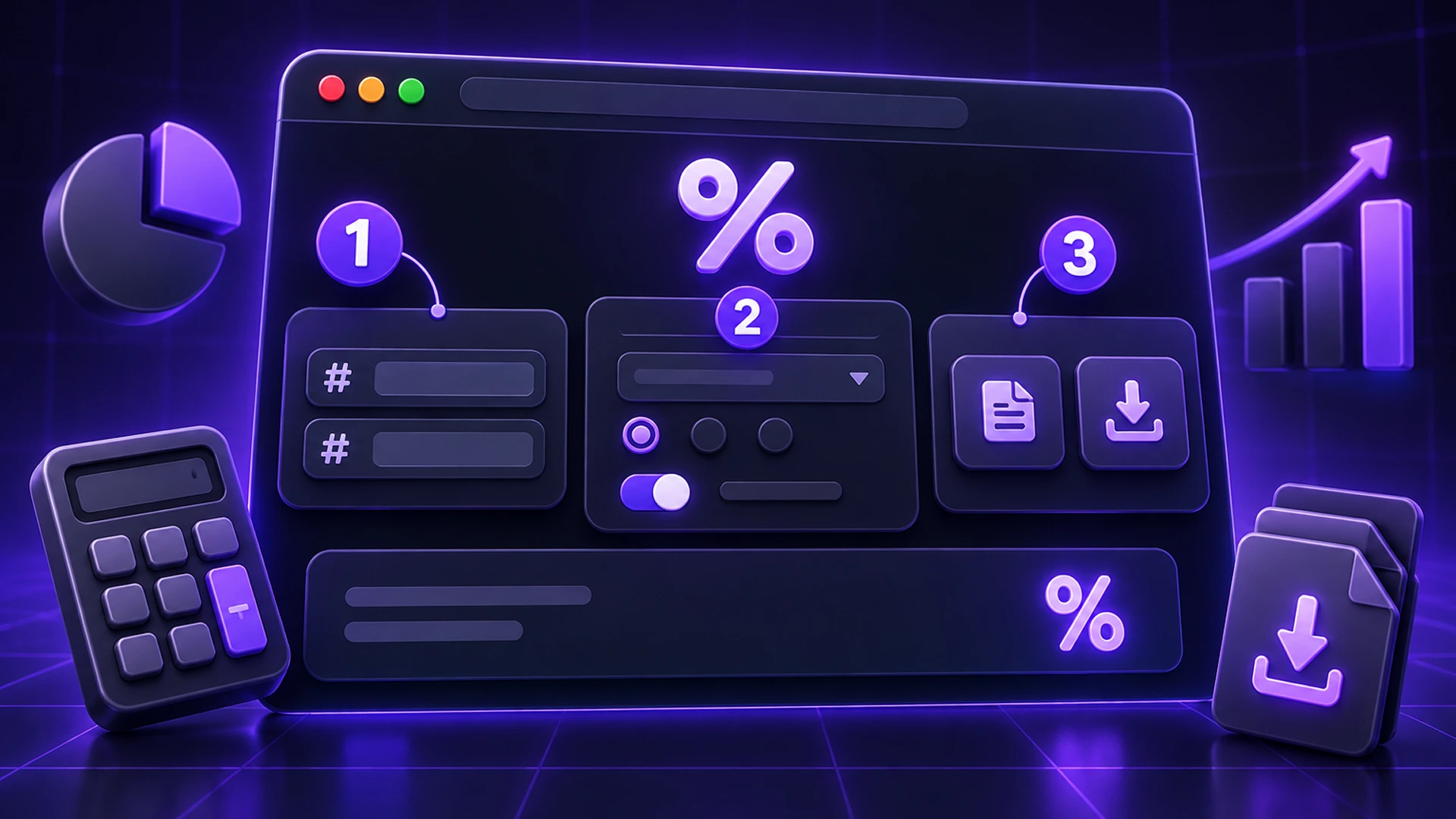
- Open the Percentage Calculator.
- Pick the mode that matches your question: "% of a number", "X is what % of Y", "% change", "% difference", "Add / remove %" or "Reverse a %".
- Enter the two numbers it asks for. For add/remove and reverse, choose whether the percentage is added or removed.
- Read the result and the working beneath it, so you can check the method rather than just trusting the number.
Percentage Change vs Percentage Difference
These two are often confused. Percentage change has a direction and a starting point: going from 200 to 260 is a 30% increase, and going back from 260 to 200 is about a 23% decrease. Percentage difference is symmetric. It is measured against the average of the two values, so it is the same whichever order you enter them in.
Use change when one value came first (last month vs this month, old price vs new price). Use difference when neither did (two quotes, two measurements).
The Discount Trap: Why Adding the Percentage Back Fails
This is the percentage mistake people make most. A £100 item with 20% off costs £80. But 20% of £80 is only £16, so adding it back gives £96, not £100. The percentage is taken from a different base each time.
To recover the original price, divide by 0.8 (that is, 1 − 20%), don't multiply by 1.2. The "Reverse a %" mode does this for you: enter 80 and 20% removed, and it returns 100. The same logic finds a pre-tax price from a tax-inclusive one; for sales tax specifically, the Discount & Sales Tax Calculator handles both steps.
Edge Cases the Calculator Handles Honestly
- Change from zero shows no result. Any increase from nothing is infinite in percentage terms, so a number would be misleading.
- Negative starting values: change is measured against the absolute value, so a loss shrinking from −100 to −50 reads as a 50% improvement, not a 50% fall.
- What percentage something is of zero also returns nothing, for the same reason.
Your Numbers Stay Private
Every calculation is local arithmetic in your browser. The figures you enter, which may be salaries, prices or business numbers, are never sent to a server, logged or stored. It even works offline once the page has loaded.

Percentage Calculator: Frequently Asked Questions
Is the Percentage Calculator free?
Yes. No sign-up and no limits.
How do I calculate a percentage increase?
Use "% change": subtract the old value from the new one, divide by the old value, and multiply by 100. From 50 to 65 is (65 − 50) ÷ 50 × 100 = 30%.
How accurate is it?
It uses standard floating-point arithmetic and shows the working, so you can verify every result.
Can I use it on my phone?
Yes. It works in any modern mobile browser.
Is anything I type uploaded?
No. All calculations happen on your device.
Related Tools
- Loan Calculator: see how interest rates turn into monthly payments.
- Tip Calculator: split a bill and add a tip in one step.
- Profit Margin Calculator: margin and markup, which are percentages with different bases.
- Age Calculator and Date Difference Calculator for date maths.
Final Thoughts
Most percentage errors come from using the wrong base, not from bad arithmetic. Pick the right mode, check the working, and you will get it right every time. Try the free Percentage Calculator.