Video Compressor Online — Free & Private
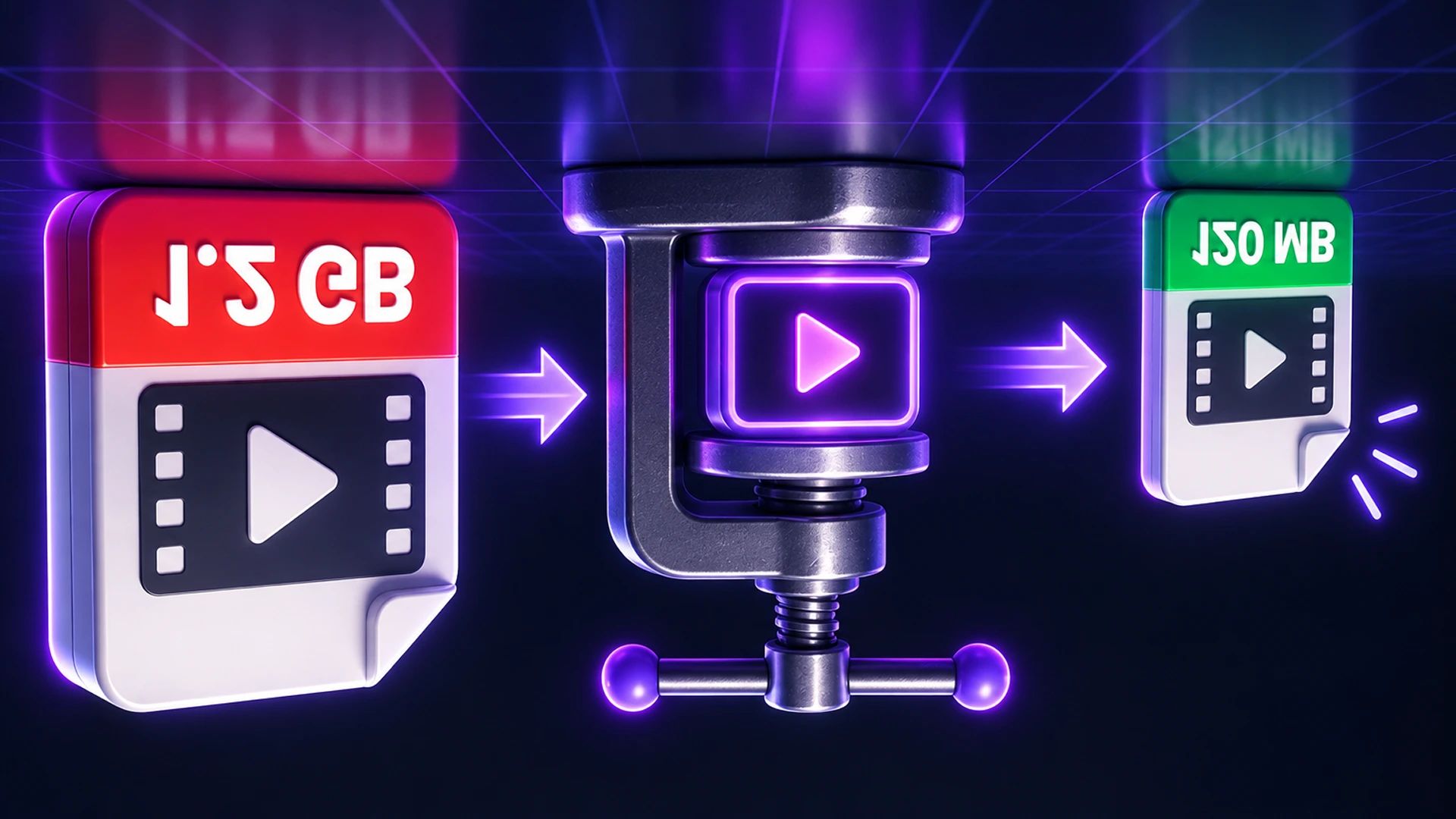
Shrink videos by resolution and quality, or to an exact size in MB, using your device's own video encoder. No upload, no watermark.
Compress Videos Without Uploading Them
To compress a video online for free, open the Toolsnests Video Compressor, drop in your MP4, MOV, WebM or MKV files, choose a resolution and quality (or type the size you need in MB), and click Process. You get a smaller MP4 that plays everywhere, with no upload, no sign-up and no watermark.
Phone videos are huge: a minute of 4K can run to several hundred megabytes. That is too big for email, most upload forms and many chat apps. Here is how to shrink them sensibly.
Why Video Files Are So Large
A video's size is roughly its bitrate multiplied by its length. Bitrate (how many bits are spent per second of video) depends mostly on resolution and quality. Phones record at very high bitrates to keep every detail, so the easiest way to save space is to lower the resolution: dropping from 4K to 1080p, or from 1080p to 720p, cuts the size dramatically with little visible loss on a phone or laptop screen.
| Resolution | Typical H.264 bitrate | Size per minute |
|---|---|---|
| 1080p | 4–6 Mbps | 30–45 MB |
| 720p | 2–3 Mbps | 15–22 MB |
| 480p | 1–1.5 Mbps | 7–11 MB |
| 360p | 0.5–0.8 Mbps | 4–6 MB |
How to Compress a Video on Toolsnests (Step by Step)
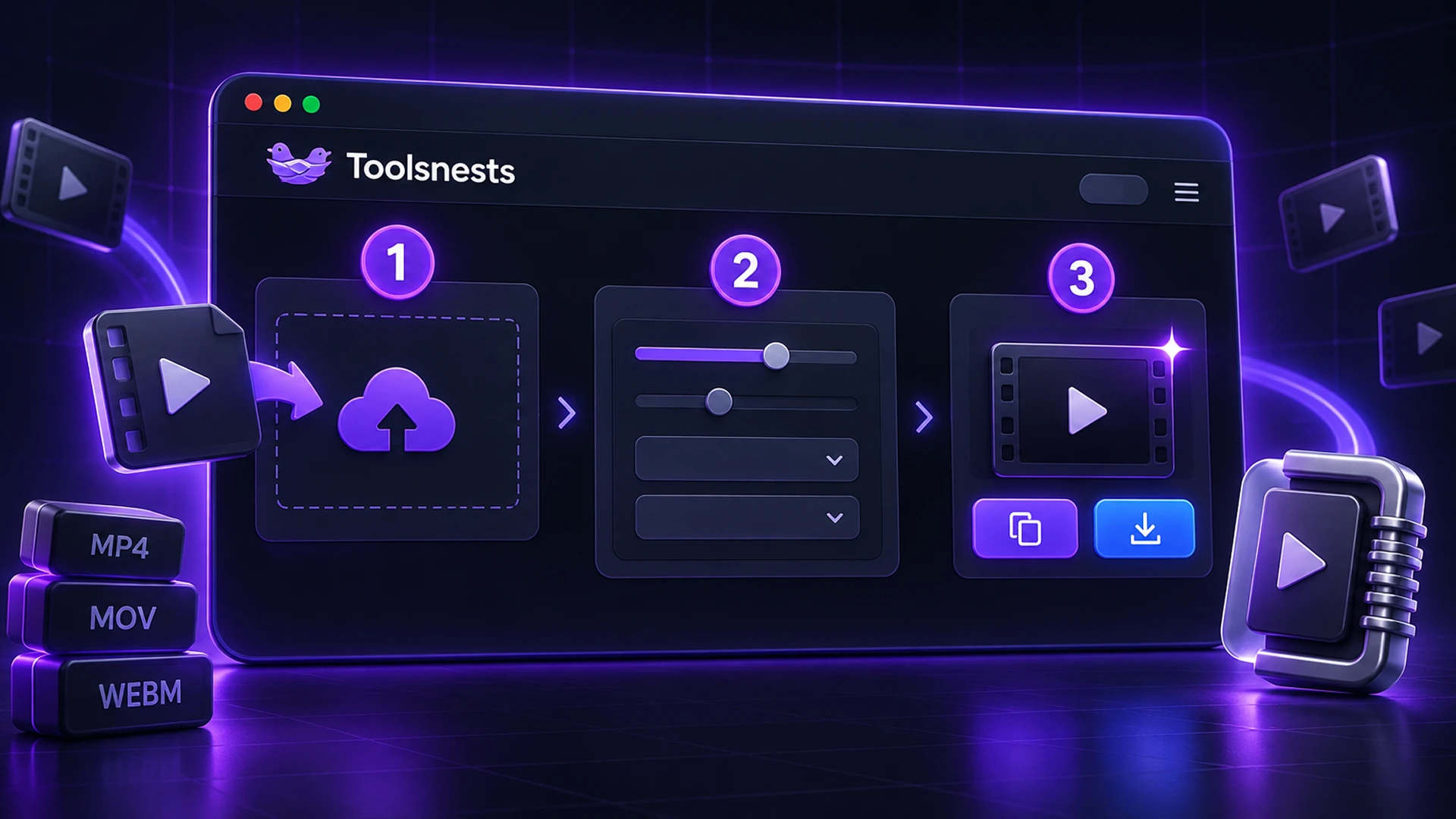
- Open the Video Compressor.
- Drop one or more videos (MP4, MOV, M4V, WebM or MKV).
- Under "Compress by", choose quality mode or target-size mode.
- Quality mode: pick a Resolution (Keep, 1080p, 720p, 480p or 360p) and a Quality (Very high to Very low). The default, 720p, suits most sharing.
- Target-size mode: type the size you need in MB, for example the limit printed on an upload form.
- Click Process, keep the tab open while it works, then download the MP4s (or all of them as a ZIP).
Quality Mode vs Target-Size Mode
Quality mode sets the bitrate relative to the resolution you choose. Use it when you just want a smaller file that still looks good.
Target-size mode works backwards from the size you type. The video bitrate is calculated from the target and the video's duration, with 96 kbps reserved for audio and about 4% held back for container overhead, so the file lands just under your limit. Use it when a portal, an email provider or a chat app sets a hard cap. Very long videos squeezed into a small target will look soft, so lower the resolution as well.
Tips for the Best Results
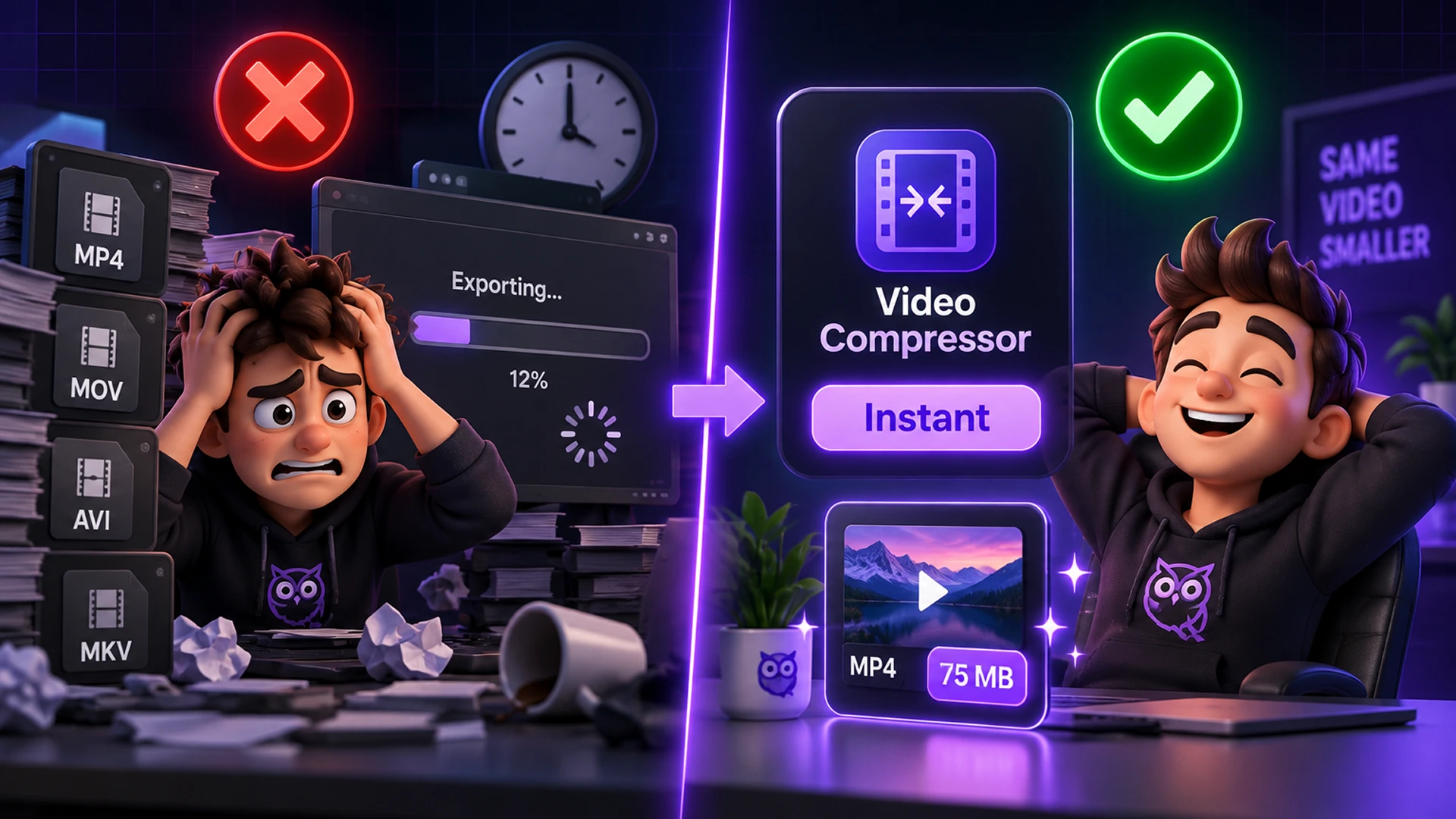
- Lower resolution first; it saves the most space for the least visible loss.
- Trim what you do not need with the Video Trimmer before compressing. Shorter clips need fewer bits.
- Sending on WhatsApp? Use the WhatsApp Video Compressor, which targets its size limit for you.
- Need only the sound? Extract Audio From Video is much smaller than any video.
- The video is never upscaled; a 720p source stays 720p even if you pick 1080p.
Common Problems and How to Fix Them
- It is slow on long videos: every frame is re-encoded. Hardware encoders are fast, but a long 4K video can still take minutes. Keep the tab open and in the foreground.
- The output looks blocky: the target size is too small for the length. Choose a lower resolution or a larger target.
- A file will not load: the browser may not support that codec. Try Chrome or Edge, which have the widest support.
Your Videos Stay on Your Device
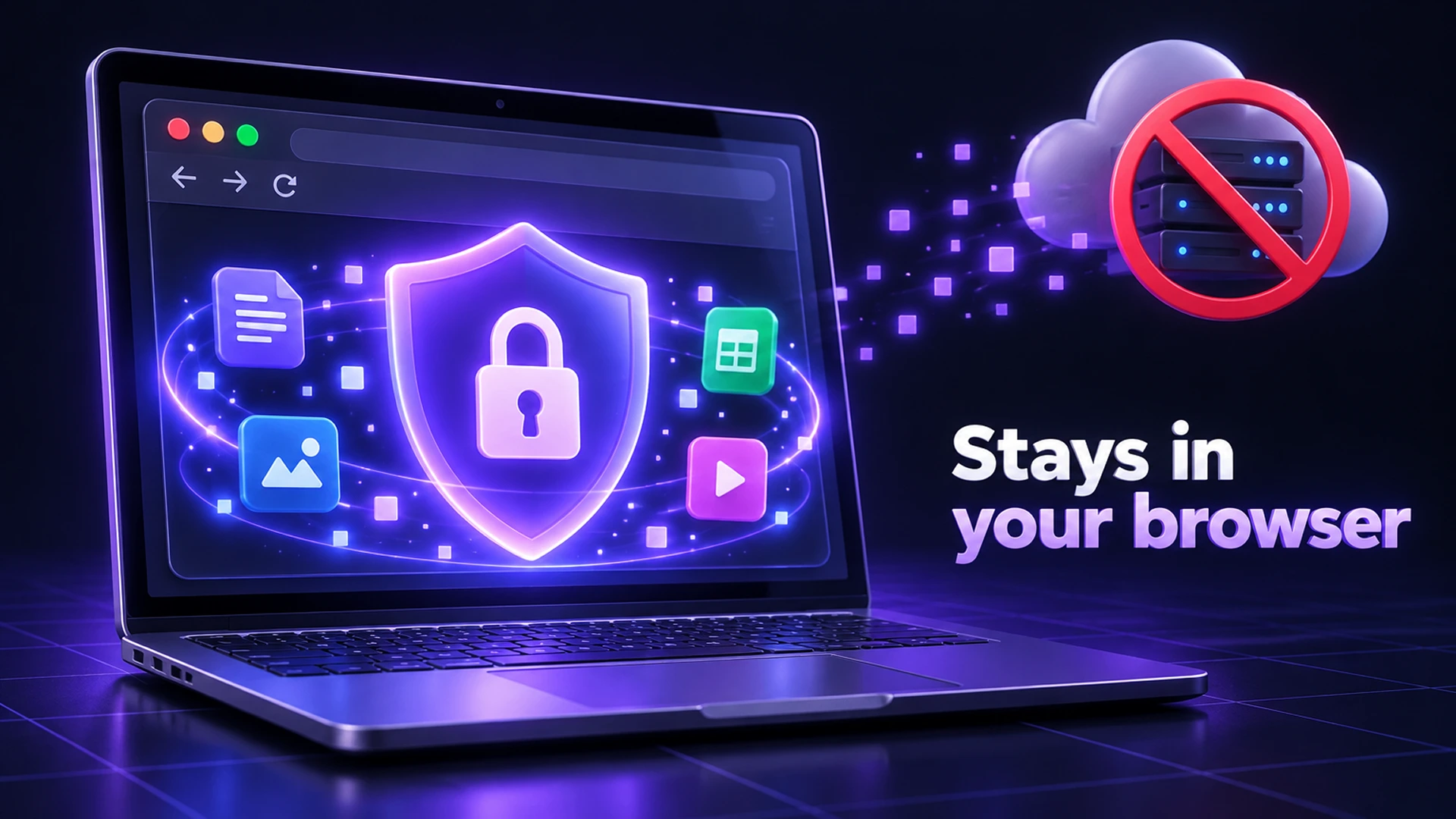
Videos are decoded and re-encoded in your browser with WebCodecs, using your device's own hardware video encoder where available. There is no upload and no big ffmpeg download. Output is MP4 with H.264 video and AAC audio when your browser can encode them, falling back to VP9 or AV1 with Opus otherwise. Family clips and screen recordings never leave your device.
Video Compressor: Frequently Asked Questions
Is the Video Compressor free?
Yes. No sign-up, no watermark and no file limit.
Is my video uploaded?
No. It is compressed on your device with the browser's video encoder.
Can I compress several videos at once?
Yes. Drop several files and download them all as one ZIP.
Can I compress a video to a specific size?
Yes. Choose target-size mode and enter the size in MB.
Does it work on iPhone and Android?
It works in modern mobile browsers that support WebCodecs. Long or 4K videos are faster on a computer.
Related Tools
Final Thoughts
Most videos do not need 4K to be shared. Pick a sensible resolution, or let the tool hit an exact size for you, and keep your clips private while you do it. Try the free Video Compressor.