Convert WebP to JPG Online Free — No Upload
Convert WebP images to JPG online for free. Batch convert multiple files, set quality, download as ZIP. No server upload, works entirely in your browser.
When You Need to Convert WebP Back to JPG
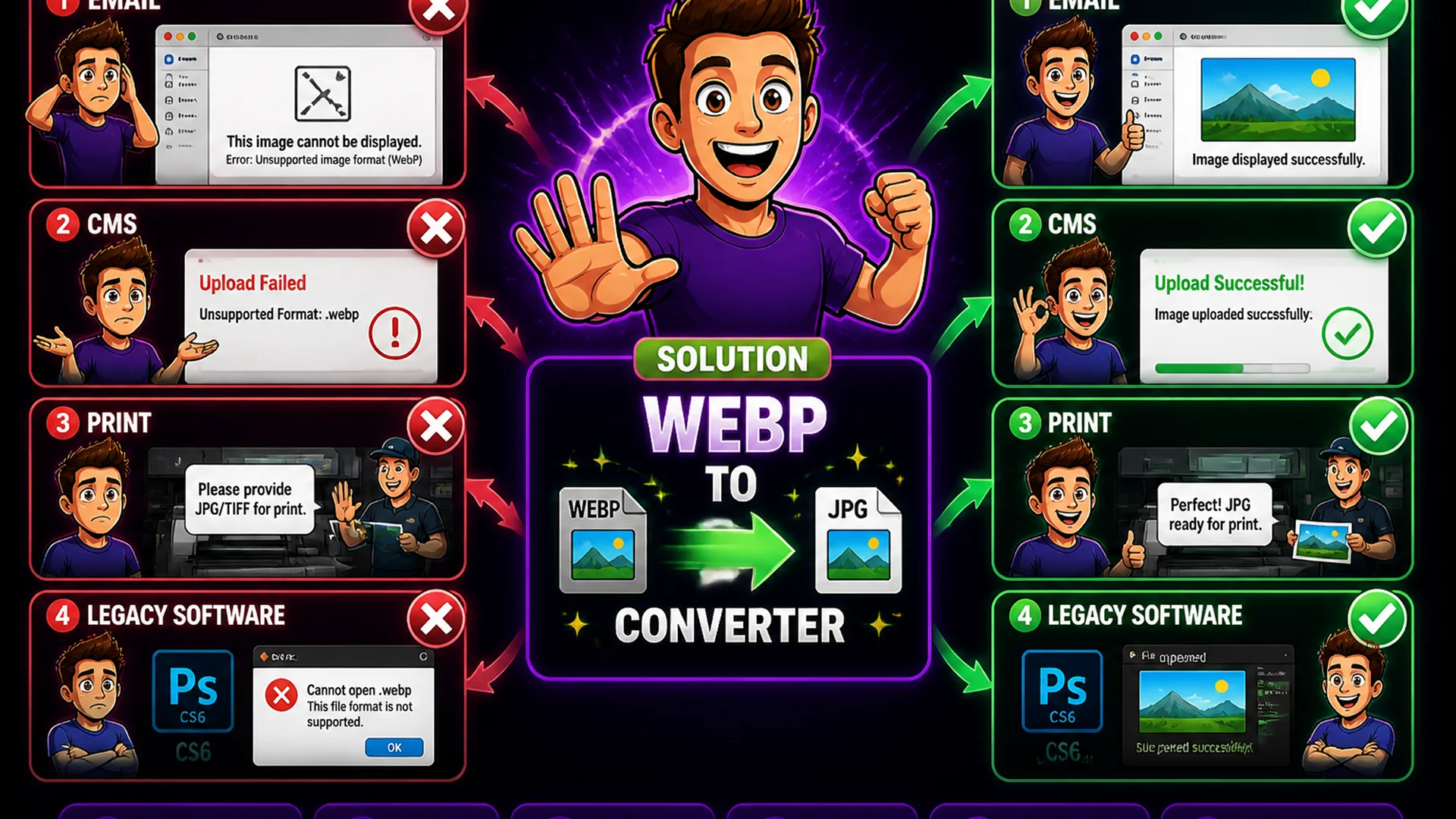
WebP is an excellent format for web delivery, but it is not universally supported in every context. Older email clients display WebP as broken images. Some older CMS platforms do not accept WebP for upload. Print workflows typically require TIFF or JPG. Some image editing software versions do not read WebP natively. Clients who request JPG specifically for their own systems or workflows.
In these situations, converting WebP to JPG is the practical solution. The Toolsnests WebP to JPG Converter handles this conversion in bulk, entirely in your browser, with configurable quality settings and ZIP download for multiple files.
What Happens During WebP to JPG Conversion?
JPG uses lossy compression optimized for photographs and complex images with many colors and gradients. Converting from WebP (which may itself be lossy or lossless) to JPG involves decoding the WebP file to a full-quality pixel bitmap, then re-encoding that bitmap as JPG at the specified quality level.
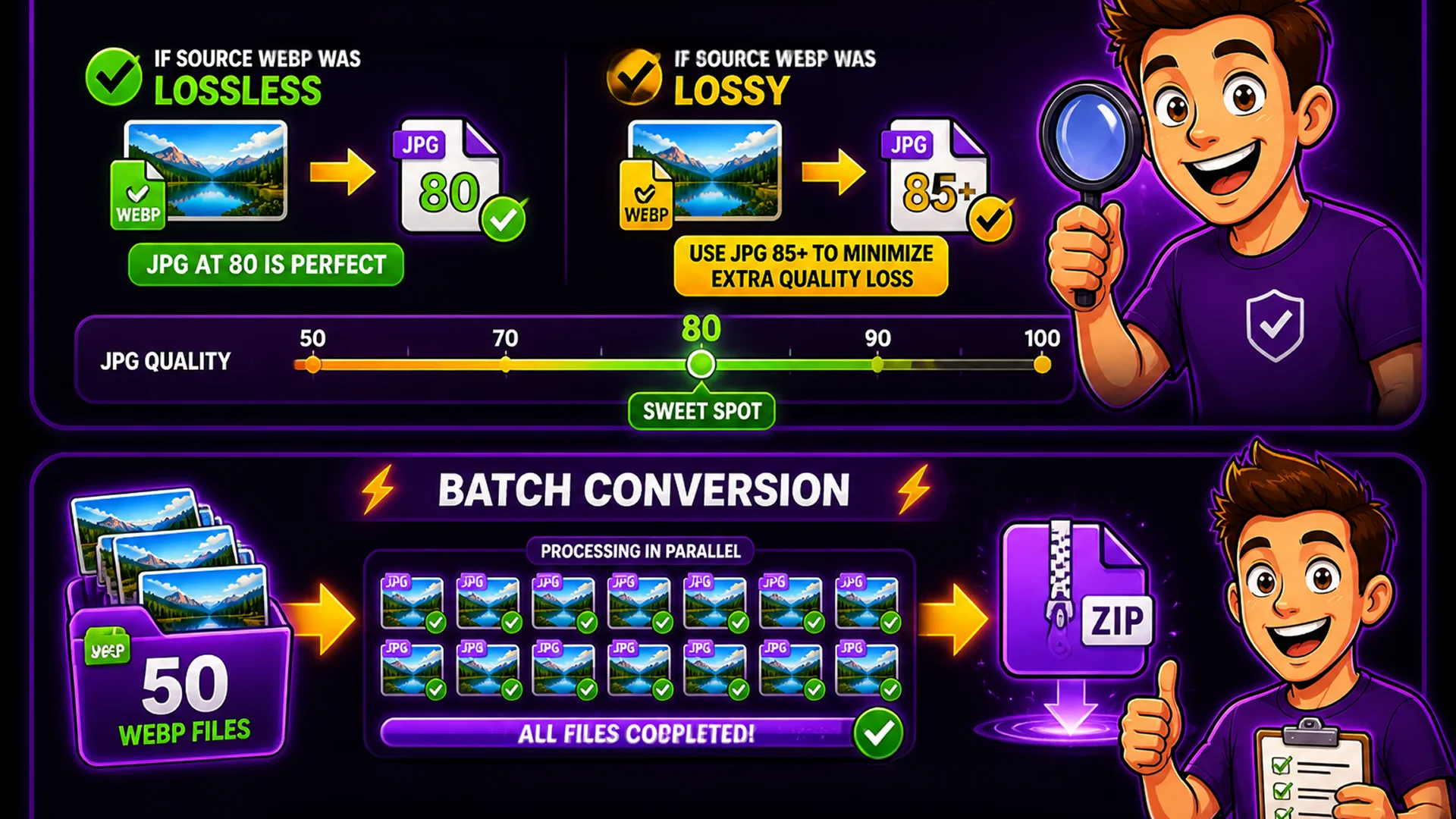
If the source WebP was lossless, the JPG output is the first lossy compression of the image — quality 80 produces excellent results. If the source WebP was lossy, the JPG output is a second round of lossy compression — use quality 85 or higher to minimize additional quality loss. Transparency is not supported in JPG — any transparent areas in the source WebP are filled with white by default.
How to Convert WebP to JPG on Toolsnests
Open the WebP to JPG Converter — no login, no installation.
Step 1: Drag and drop your WebP files or click to browse and select multiple files at once. Step 2: Set the JPG quality level using the slider — 80 is the recommended default for web use, 90+ for print. Step 3: Preview the file size of the converted JPG for each image. Step 4: Click Convert All. Step 5: Download all JPG files as a single ZIP.
Batch Conversion for Multiple Files
The converter processes multiple WebP files simultaneously — drop an entire folder, set quality once, and download a ZIP containing all converted JPGs. For design teams receiving WebP assets from developers but needing JPG for client deliverables, or photographers who receive WebP screenshots and need JPG for their archive, batch conversion is essential.
The Canvas API processes each WebP file independently, so batch conversion is fully parallel — 50 files take only slightly longer than 5 files.
Privacy: Your Images Stay on Your Device
Image files often contain personal or confidential content. The WebP to JPG Converter uses the HTML5 Canvas API to decode and re-encode images locally in your browser. No file data is transmitted to any server. The entire conversion — from file read to JPG output — happens on your device's CPU.
Verify this with your browser's Network tab: during conversion, you will see zero outbound upload requests.
Related Image Tools
PNG to WebP Converter — convert PNG files to WebP for smaller web-optimized files. Image Compressor — compress the converted JPG files to reduce size further. Image Converter — convert between any image format: JPG, PNG, WebP, GIF, BMP. Image Resizer — resize converted JPG files to specific dimensions.
Final Thoughts
WebP to JPG conversion is a practical need whenever modern web-optimized assets must be delivered in the universally compatible JPG format. The Toolsnests converter handles it in bulk, in your browser, with zero privacy trade-off.
Open the WebP to JPG Converter and convert your files in seconds — no upload, no account, no wait.