Why Browser-Based Tools Are the Future of Productivity
Discover why running tools directly in your browser is faster, safer, and more convenient than traditional desktop software.
The Problem with Traditional Desktop Software
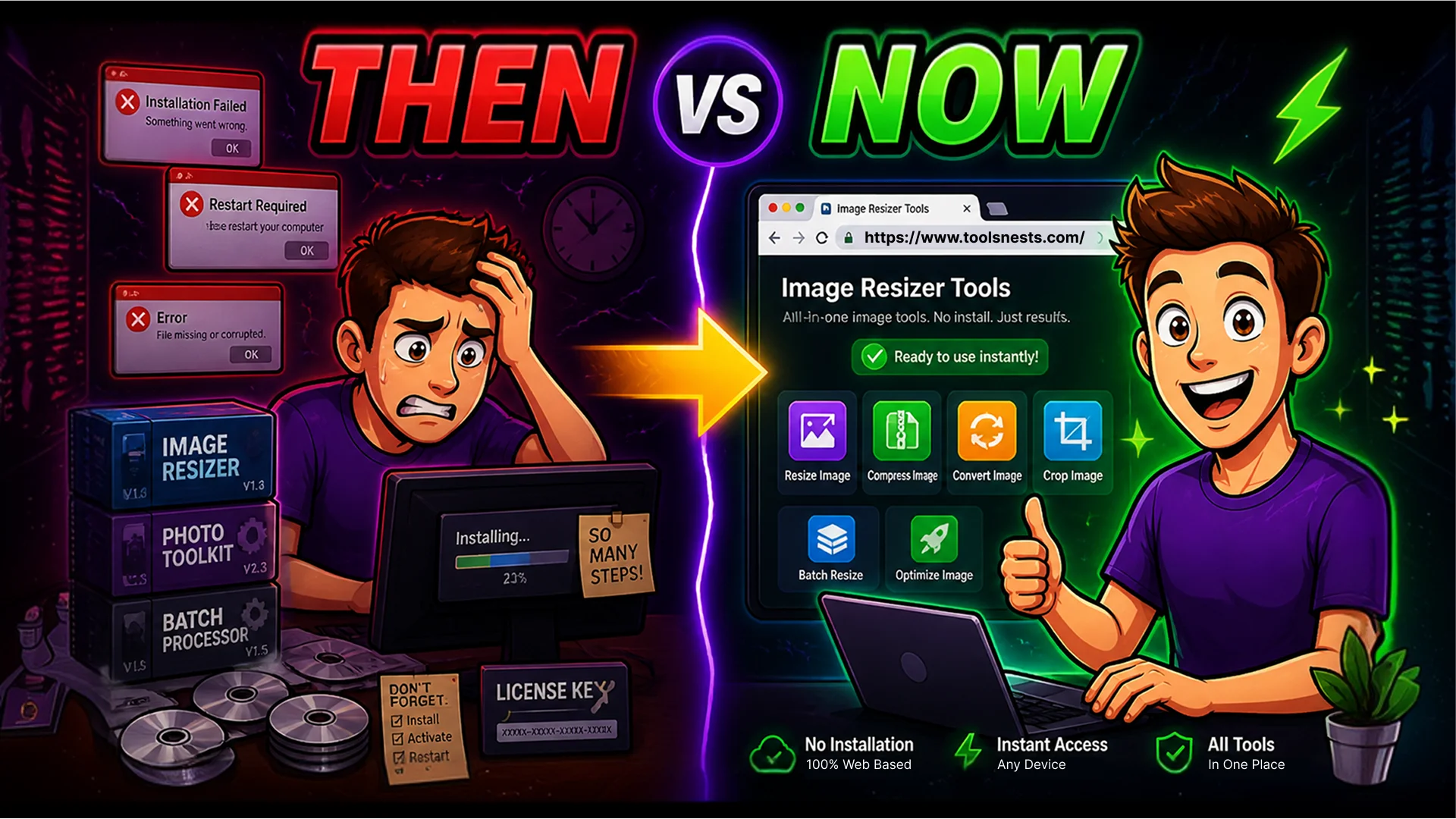
Think about the last time you needed to resize a photo, convert a PDF, or format a JSON file. If your first instinct was to search for software to install, you are not alone — that has been the default workflow for decades. But that workflow comes with hidden costs: large downloads, license keys, version conflicts, platform restrictions, and the ever-present risk that the free trial expires at the worst possible moment.
The modern browser has fundamentally changed what is possible without installing anything. Today's browsers run on the same JavaScript engine that powers complex web applications, and they expose powerful APIs — the Canvas API for image manipulation, the File System Access API for local file handling, WebAssembly for near-native computation speed, and the Web Crypto API for cryptographic operations. These are not workarounds. They are the same technologies used by professional web applications.
Toolsnests is built entirely on this foundation. Every tool — from image editing to PDF processing to developer utilities — runs directly in your browser tab, without sending a single byte of your data to a remote server.
Instant Access: No Downloads, No Installation, No Updates
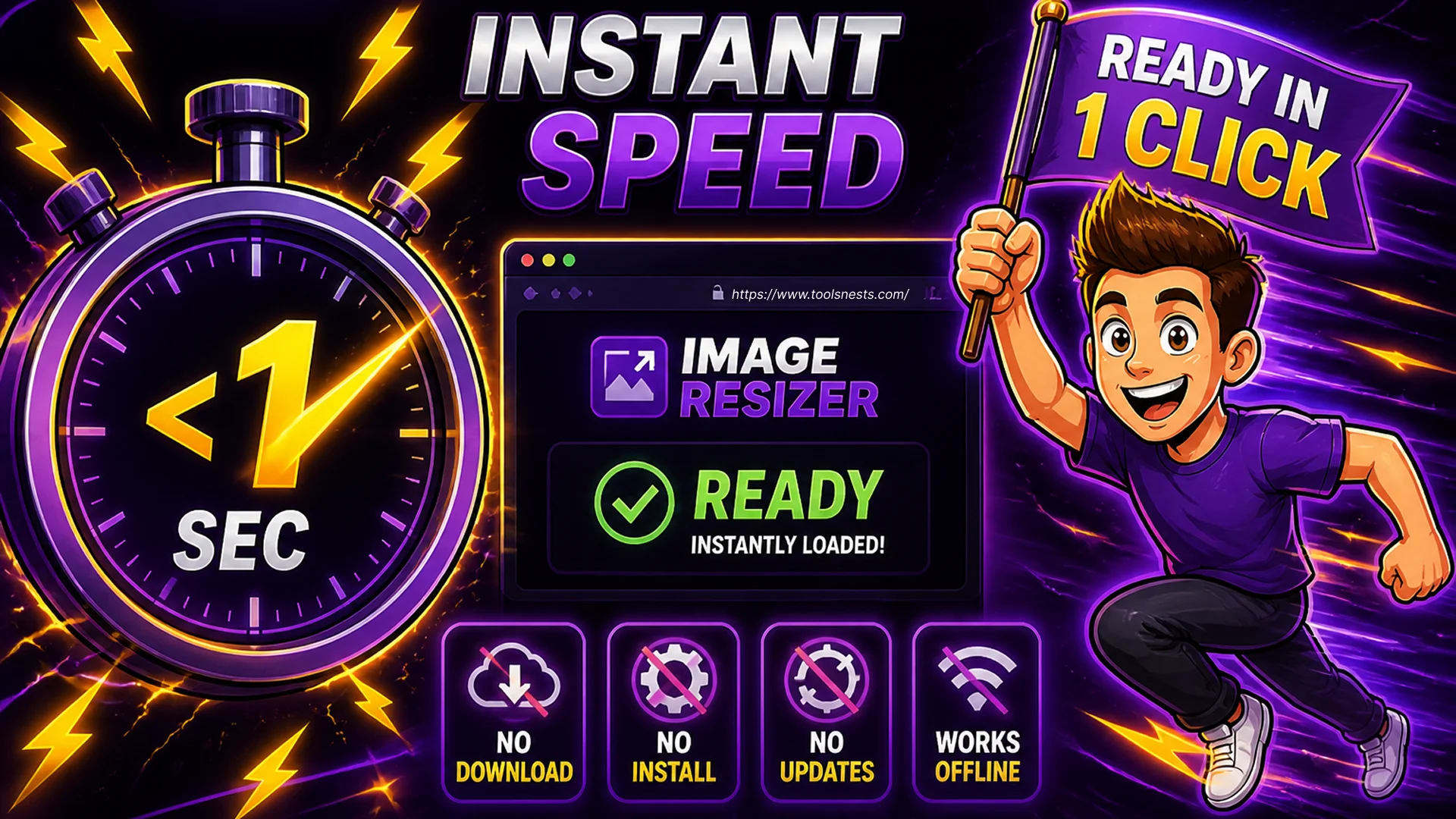
The most immediate advantage of browser-based tools is time. Opening a browser-based image resizer takes under two seconds. Downloading, installing, and launching a desktop equivalent takes anywhere from five minutes to twenty, depending on your connection speed and the software in question.
Once a browser-based tool is open, it is ready. There are no setup wizards, no account creation screens, no license activation dialogs. You drag in your file, configure your settings, and get the result. The entire interaction can take thirty seconds for a task that would take five minutes in traditional software.
Updates are equally frictionless. When Toolsnests improves a tool, you get the update automatically the next time you open the page. There is no "new version available, restart to update" prompt, no compatibility check with your operating system, and no risk that the update will break a workflow that was working perfectly.
Real Performance: What Modern Browsers Can Actually Do
A common misconception is that browser-based tools must be slower or less capable than native desktop software. In practice, for the kind of utility tasks that Toolsnests handles, the performance difference is negligible — and in some cases the browser is faster.
Image processing uses the HTML5 Canvas API, which is hardware-accelerated on virtually every device made in the last decade. Resizing a 4,000-pixel photograph, compressing it to 80% quality, and converting it to WebP format takes under one second in a modern browser. Processing a batch of fifty images takes a few seconds — the same order of magnitude as desktop software, with zero installation overhead.
PDF operations use the pdf-lib library running in-browser, capable of merging, splitting, and compressing multi-hundred-page documents in seconds. ZIP handling uses JSZip. Cryptographic checksums use the Web Crypto API, which is implemented natively by the browser and runs at speeds comparable to command-line tools. Code minification for CSS, JavaScript, and HTML runs client-side and completes in milliseconds even for large files.
Privacy by Architecture: Your Files Never Leave Your Device
When you use a server-based online tool, your file takes a journey. It leaves your device, travels over the internet, arrives at a server you have no visibility into, gets processed, and then (hopefully) gets deleted. The privacy policy might say files are deleted after 24 hours — but you are trusting a claim you cannot verify.
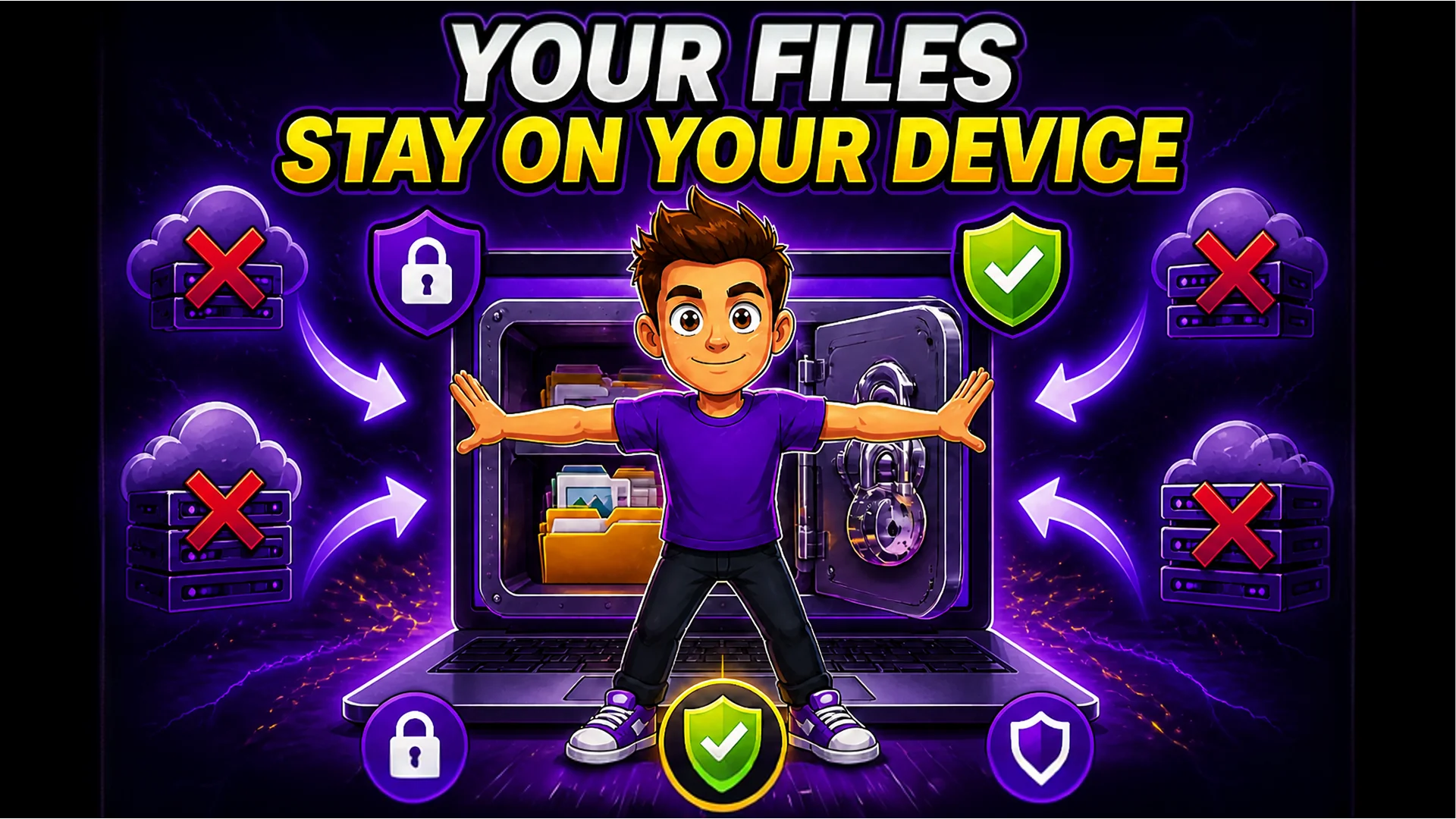
Browser-based tools have a fundamentally different architecture. There is no journey. Your file is read by the JavaScript code running in your browser tab, processed entirely on your device's CPU and memory, and the output is written back to your device. At no point does any data leave your machine. You can verify this yourself: open your browser's Developer Tools, go to the Network tab, and use any Toolsnests tool. You will see zero outbound requests during processing.
This matters most for sensitive content. If you are processing confidential business documents with the PDF Merge tool, verifying downloaded files with the File Checksum Generator, or encoding credentials with the Base64 Encoder, nothing ever reaches an external server. The privacy guarantee is architectural, not a policy — it cannot be accidentally violated by a misconfigured server or a data breach.
Works on Every Device and Operating System
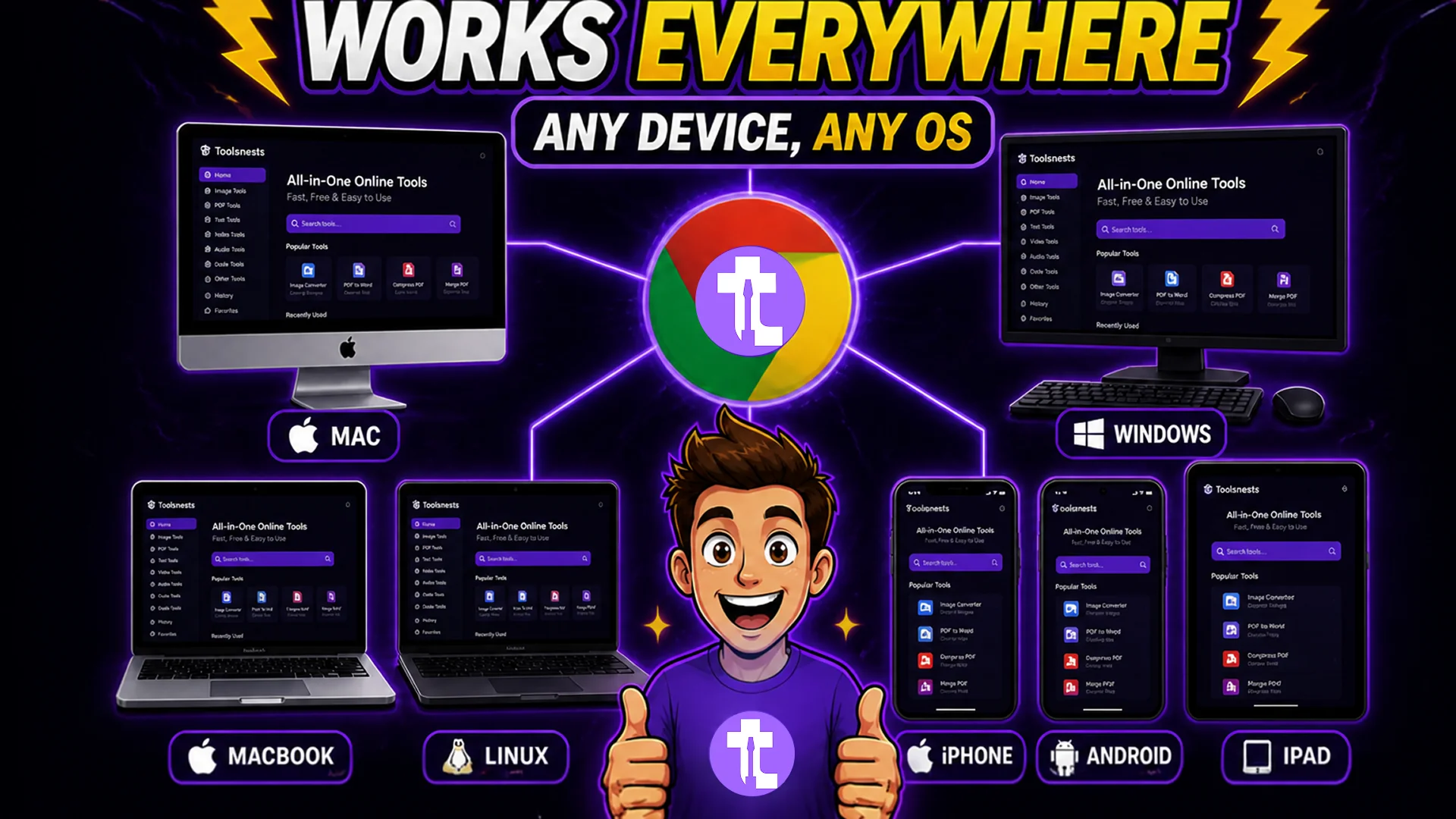
Traditional desktop software is platform-specific. The Windows version of a tool does not run on macOS. The macOS version does not run on a Chromebook. Mobile apps are entirely separate products with different feature sets and different update cycles. Maintaining access to your tools across multiple devices means purchasing multiple licenses or managing multiple subscriptions.
Browser-based tools are cross-platform by their nature. Any device with a modern browser — Windows, macOS, Linux, ChromeOS, iOS, Android — runs exactly the same code and gets exactly the same features. The designer working on a MacBook Pro and the developer on a Linux workstation are using the same tool with the same interface and the same performance characteristics.
This is especially valuable for teams. When everyone uses the same browser-based tools, there are no "it works on my machine" problems, no version drift between teammates, and no friction when someone switches devices.
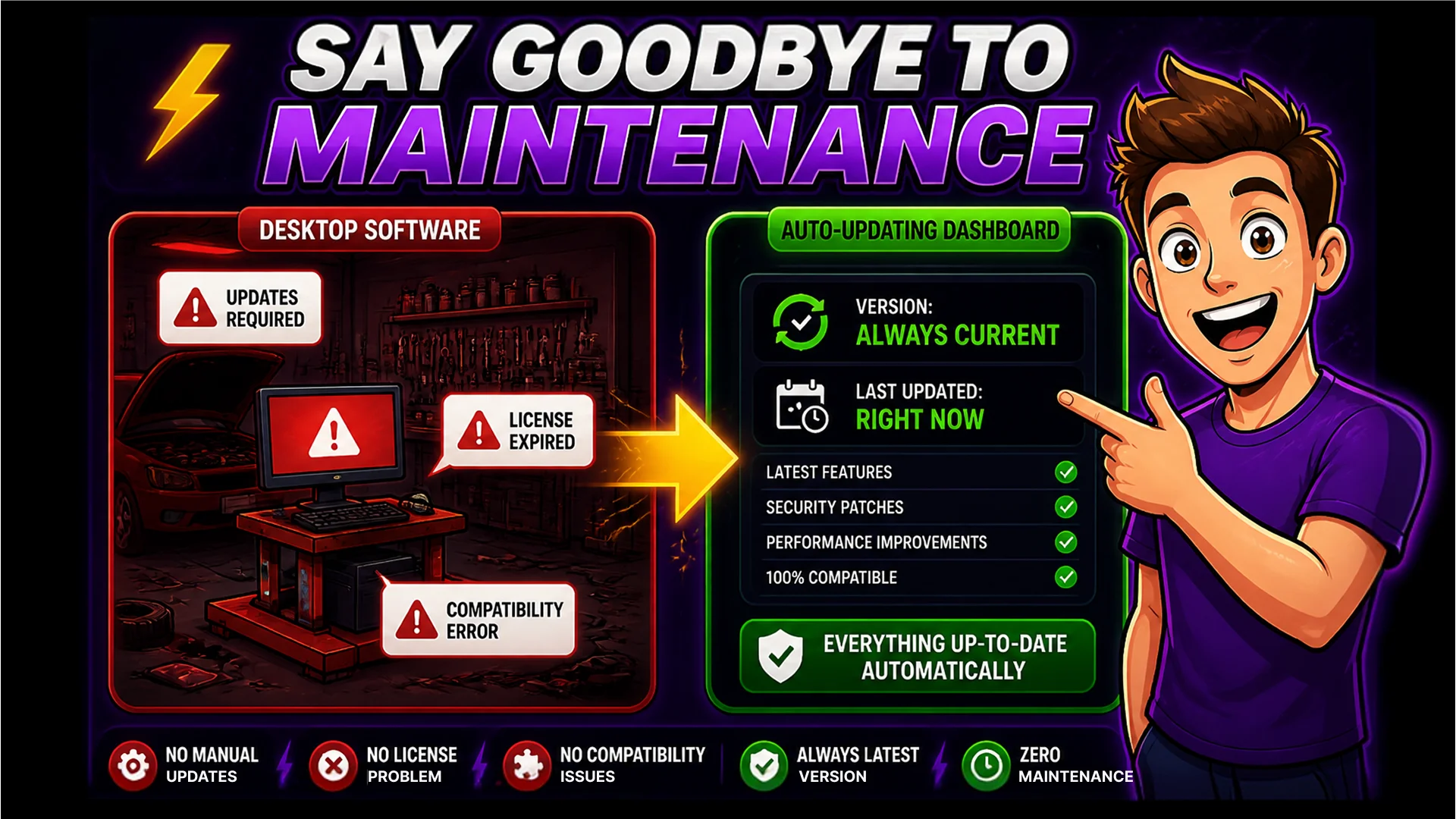
Zero Maintenance, Always Current
Desktop software accumulates debt. License renewals. Major version upgrades that break existing workflows. Security patches that require administrator access to install. Compatibility problems when your operating system updates but your software vendor has not caught up.
Browser-based tools eliminate this category of problems entirely. The tool you open today is the current version, automatically. When a bug is fixed or a feature is added, every user gets it instantly on the next page load. There is nothing to maintain on your end.
Tools like the QR Code Generator, the Password Generator, and the JSON Formatter are available the moment you need them, on any device, with no setup. That is the productivity advantage that browser-based tools offer — and it compounds over time as you eliminate the overhead of maintaining a collection of desktop software.
The Future Is Already Here
The shift to browser-based tools is not a prediction — it is already happening. Professional designers use browser-based design tools for product work. Developers use browser-based IDEs for cloud development. Data analysts run notebooks in the browser. The browser is no longer a thin client for displaying documents. It is a full application runtime.
Toolsnests represents this shift applied to the everyday utility layer: the resizing, compressing, converting, formatting, and generating tasks that do not require a full professional application but also should not require installing heavyweight software. Fast, private, cross-platform, and always up to date — this is what browser-based tools offer, and it is why they are replacing desktop software for an expanding range of tasks.
The next time you need to handle an image, process a PDF, clean up some text, or generate a QR code, you do not need to install anything. Open a browser tab and get it done.