Word to PDF Converter — Free & Private
Convert .docx files to PDF in bulk while keeping headings, lists and tables. An honest look at what a browser converter preserves and what it does not.
Convert Word to PDF in Your Browser
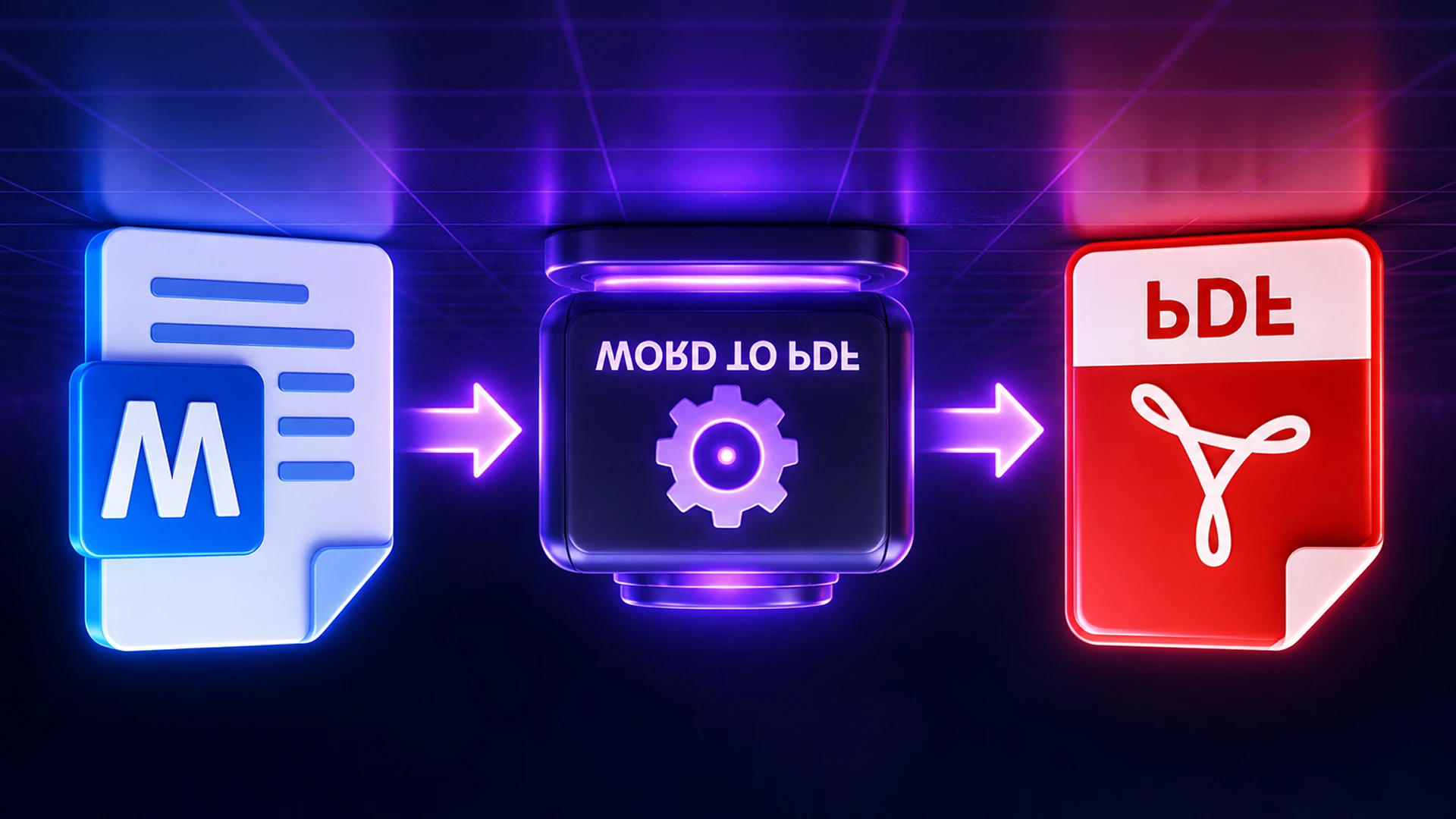
To convert Word to PDF, open the Toolsnests Word to PDF converter, set the page size and margins, drop in your .docx files (or a whole folder), and download the PDFs one by one or as a ZIP. Headings, lists, tables, bold and italic come through intact, and the document is never uploaded.
Why Convert Word Documents to PDF?
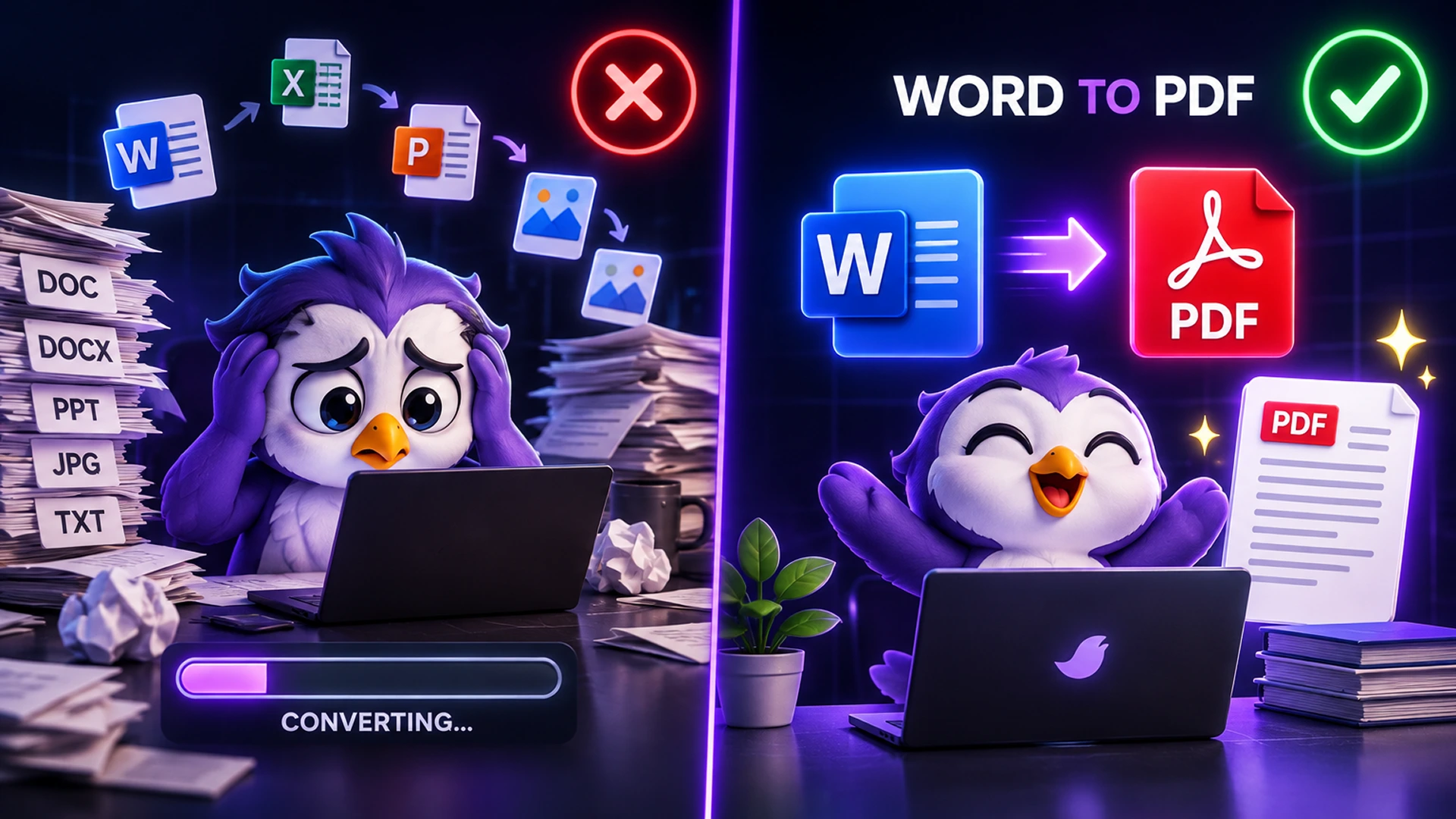
- Anyone can open it: a PDF opens on any device, even one without Word.
- It is harder to edit by accident: good for CVs, letters, invoices and final drafts.
- Portals ask for it: many job, university and government forms accept PDF only.
- Bulk jobs: convert a folder of documents in one pass instead of opening each file.
How Browser-Based Word to PDF Conversion Works
A .docx file is a ZIP of XML describing the document's structure and styles. The converter maps Word's semantic styles onto clean page elements (a Heading 1 becomes a heading, a list becomes a list, a table becomes a table), then lays the document out fresh at the page size you choose.
Be clear about what that means: the result is not a pixel copy of what Word shows you. Fonts, exact spacing and Word's own page breaks will differ, because reproducing Word's layout engine in a browser is not something any client-side tool really does. For a document whose exact appearance matters, use Word's own Save as PDF. For readable, well-structured PDFs from a folder of documents, without uploading them, this is the right tool.
How to Convert Word to PDF on Toolsnests (Step by Step)
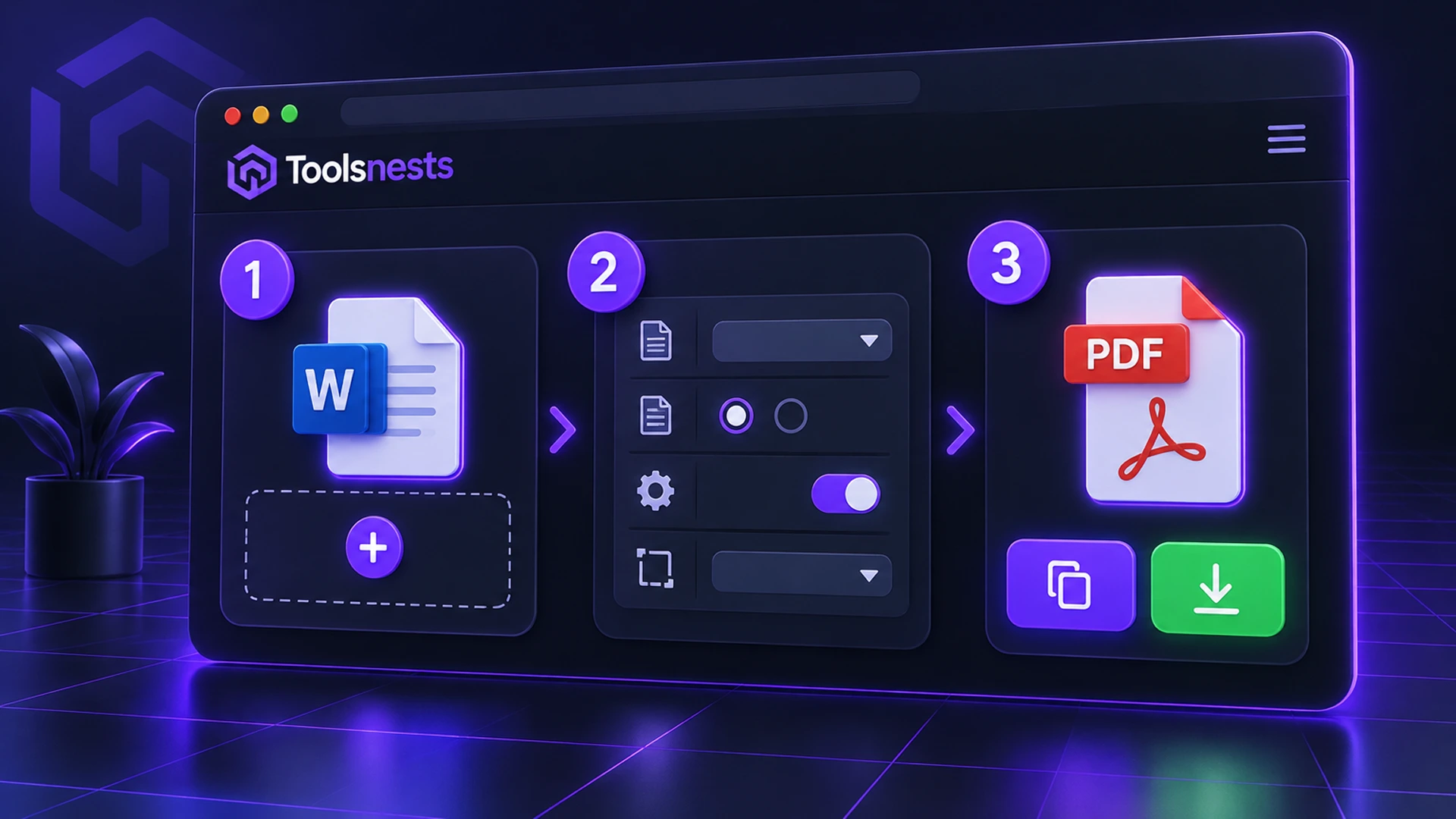
- Open Word to PDF.
- Set the page size, orientation and margins.
- Drop your .docx files or a folder onto the page.
- Review any conversion notes shown next to a file (usually a custom style with no direct equivalent).
- Download each PDF, or all of them as a ZIP.
What Is Preserved
| Element | Preserved? |
|---|---|
| Headings, paragraphs, bold, italic | Yes |
| Bulleted and numbered lists | Yes |
| Tables | Yes |
| Embedded images | Yes (positioning may shift) |
| Exact fonts, spacing and page breaks | No, laid out fresh |
| Selectable text in the PDF | No; use HTML to PDF if you need it |
Common Problems and How to Fix Them
- My .doc file is rejected: .doc and .docx are unrelated formats. Open the file in Word or LibreOffice and save it as .docx first.
- An image moved: Word's floating and anchored images do not map cleanly onto a fresh layout. Set the image to "In line with text" in Word before converting.
- A style was dropped: the tool shows a note instead of hiding it. Apply a standard style (Heading 1, Normal) to that text.
Your Documents Stay on Your Device
Word documents are usually drafts, contracts and letters, which is exactly what you should not hand to a stranger's server. The .docx is read and converted entirely in your browser tab, and nothing is stored after you close it.

Word to PDF: Frequently Asked Questions
Is Word to PDF free?
Yes. No sign-up, no watermark and no file limit.
Are my documents uploaded?
No. Conversion happens locally in your browser.
Will the PDF look identical to Word?
The structure comes through, but fonts, spacing and page breaks will differ. Use Word's own export when exact appearance matters.
Can I convert many documents at once?
Yes. Drop a folder of .docx files and download the PDFs as one ZIP.
Does it work without Microsoft Word installed?
Yes. You only need a modern browser.
Related Tools
- PDF to Word: go the other way and edit a PDF in Word.
- HTML to PDF: convert web pages and HTML to PDF.
- PDF to Excel: pull tables out of PDFs.
- Merge PDF: combine the converted PDFs into one file.
Final Thoughts
For quick, private, bulk conversions of everyday documents, a browser converter saves time and keeps your files to yourself. Try the free Word to PDF converter.